Command video guide
Break Exclusive
Break Exclusive exits the nearest enclosing Exclusive block immediately. It skips the remaining commands in that block and continues after its matching End Exclusive.
This guide builds a separate example with a Before prompt, a five-second Delay inside Exclusive, and a Complete prompt outside the block. Adding Break Exclusive before Delay makes Complete appear immediately after Next.
- Place Break Exclusive inside an Exclusive block, before its matching End Exclusive.
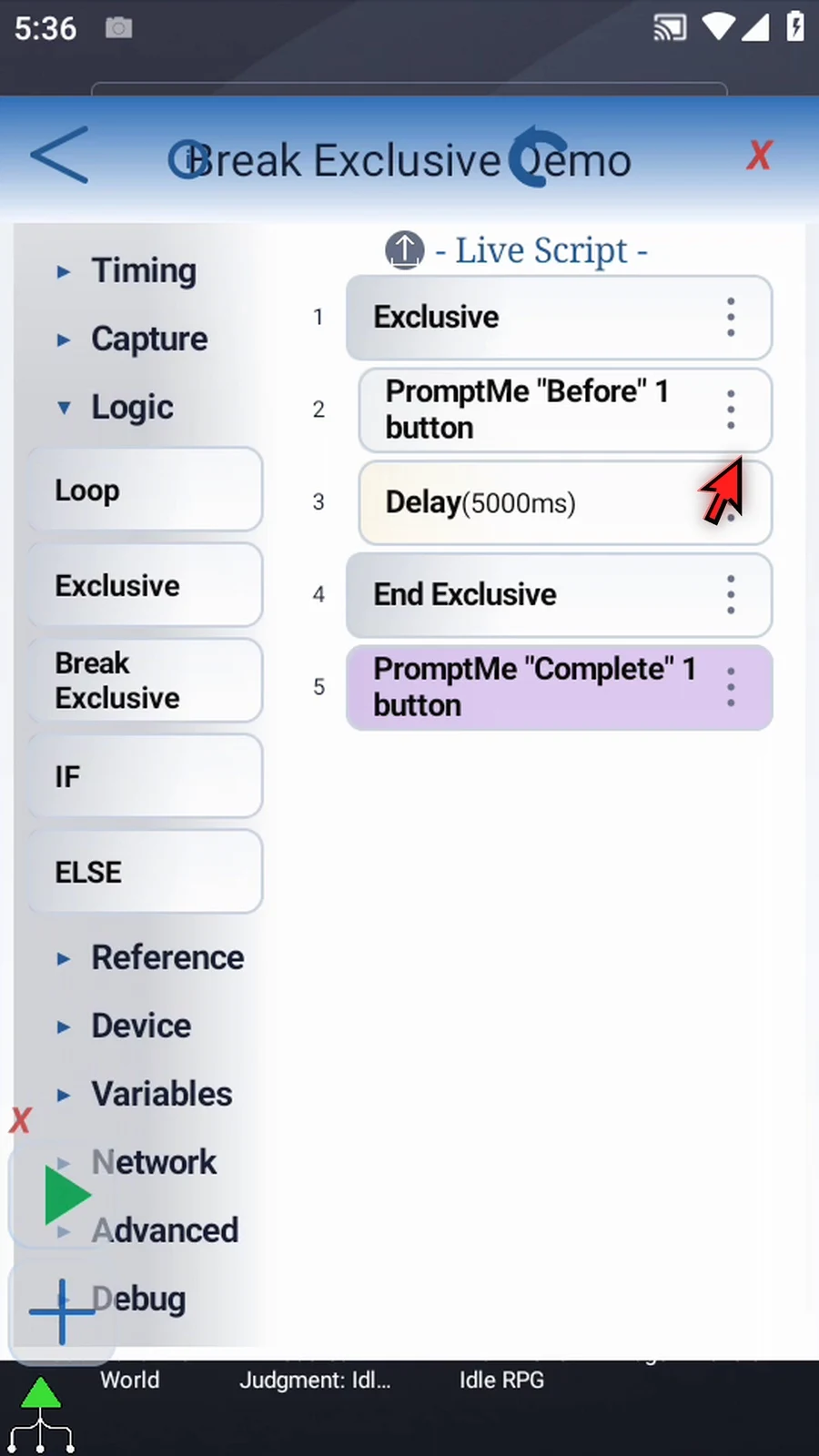
- Break Exclusive becomes available in Logic when the script contains an Exclusive block.
- It has no additional command settings. Put it inside an IF block when the early exit should depend on a condition.
- With nested Exclusive blocks, only the nearest enclosing level is exited; an outer Exclusive level remains active.
- It does not stop the whole script. Commands after the matching End Exclusive continue normally.
Watch the walkthrough
Step-by-step guide
Step 01 Break Exclusive leaves the nearest active Exclusive block early. It skips the remaining commands in that block and continues after its matching End Exclusive. In this example, it will skip a five-second Delay and go straight to a completion prompt.
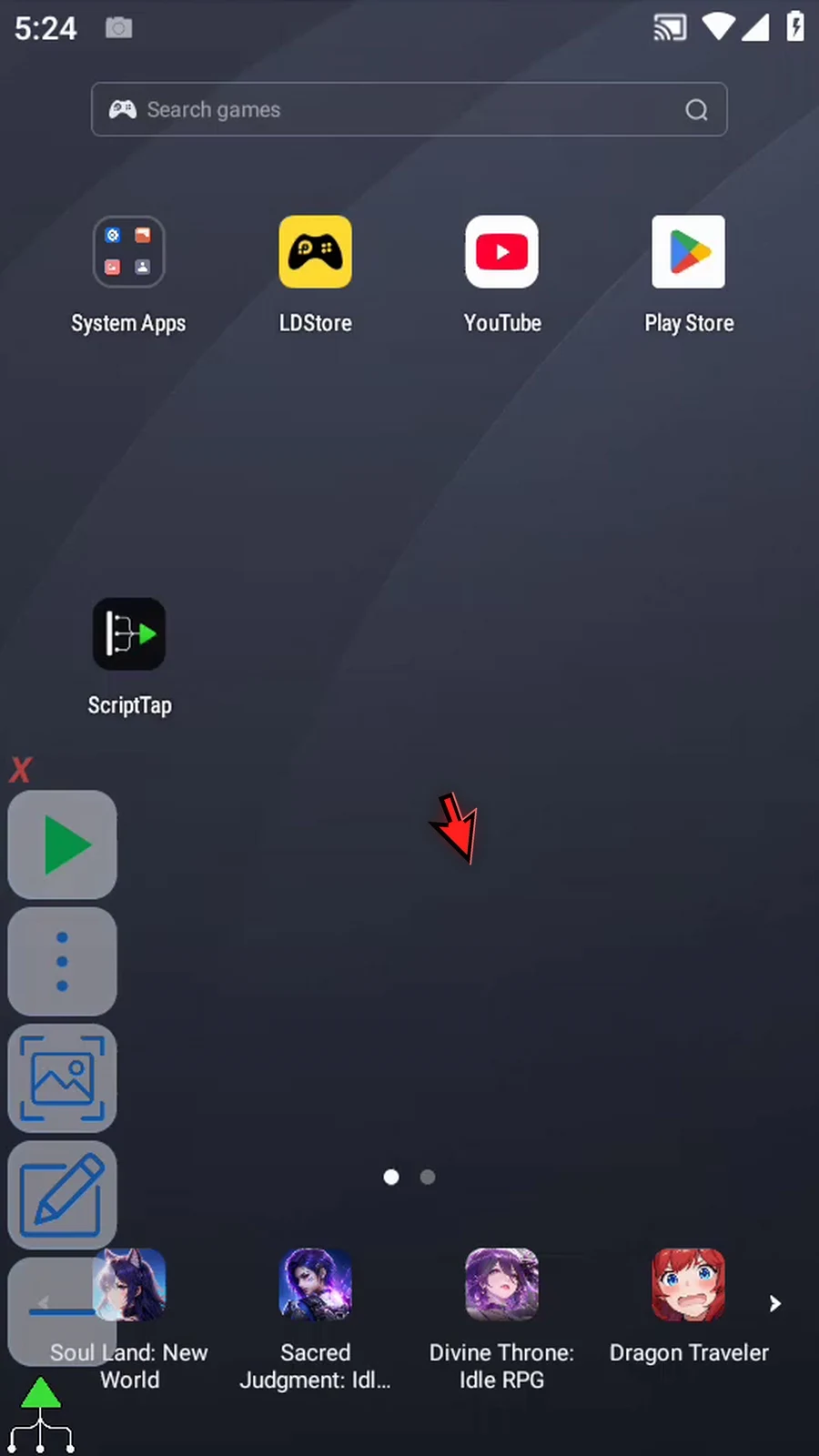
Step 02 Open Scripts, choose New Script, then Blank Script. We are creating a new example and leaving the existing scripts unchanged.
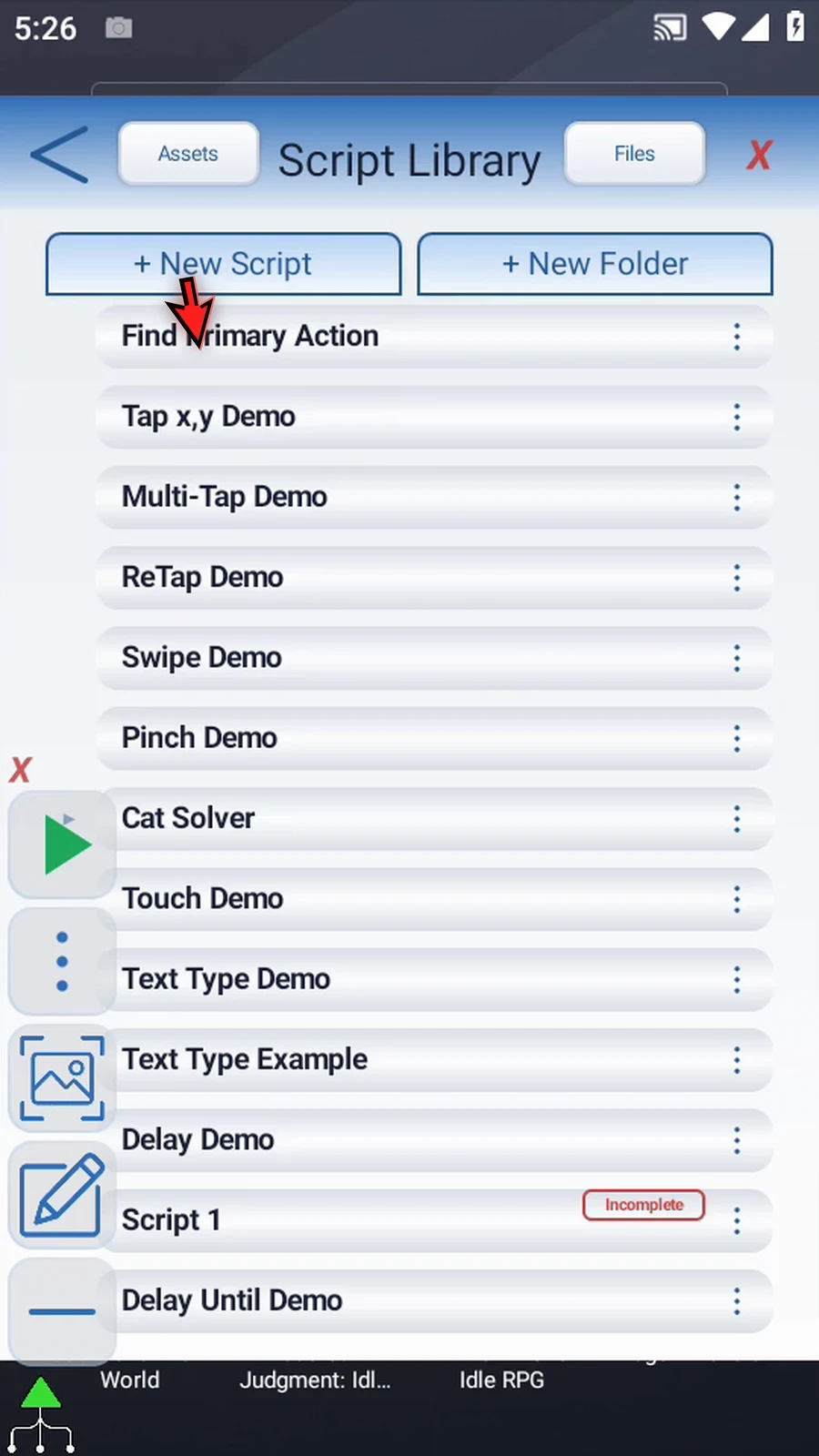
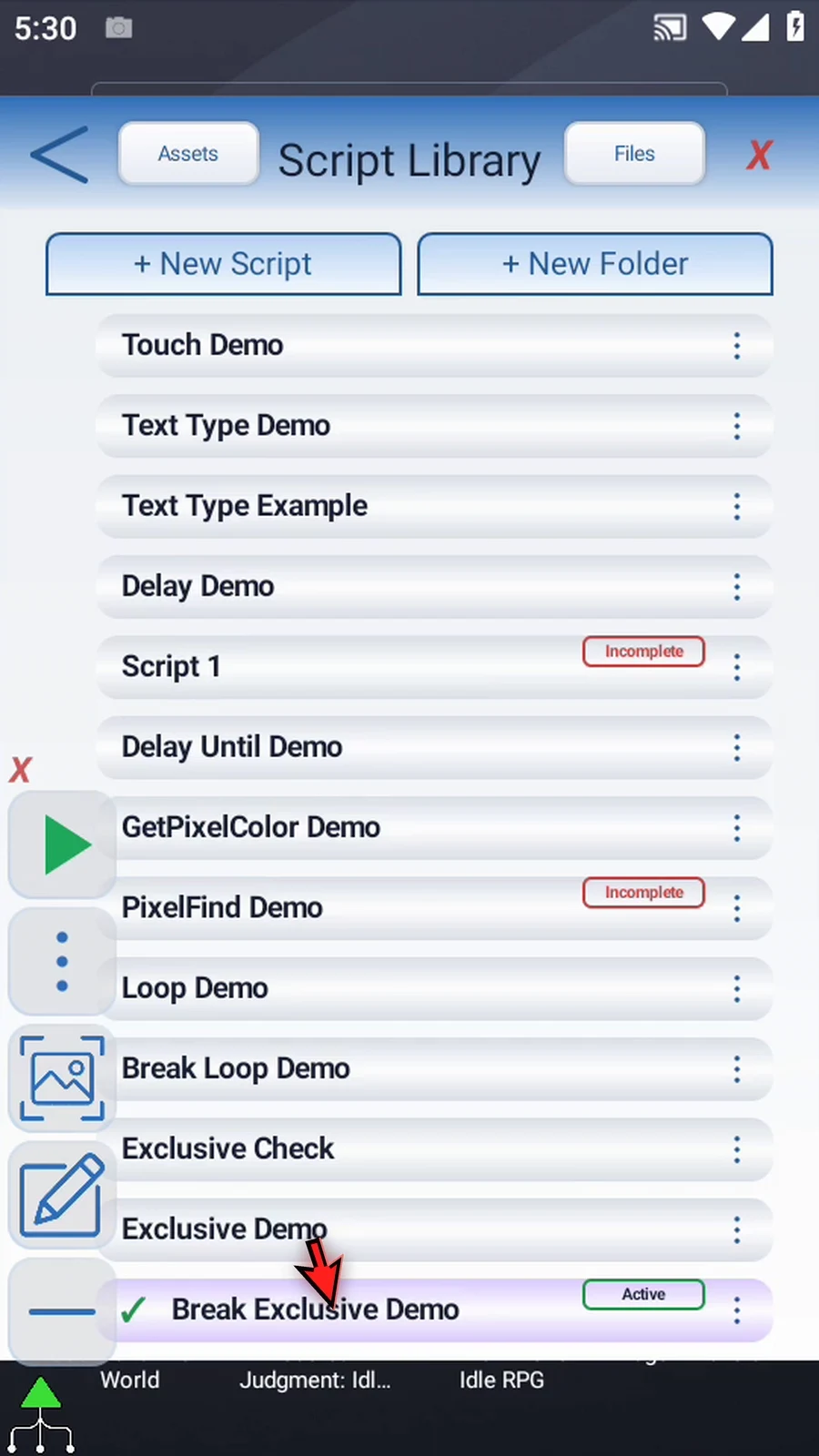
Step 03 Find the new script, open its menu, and choose Rename. Pick a name, tap OK, and select the new script.
Step 04 Open the Script Editor, collapse the extra overlay controls, and expand Logic.
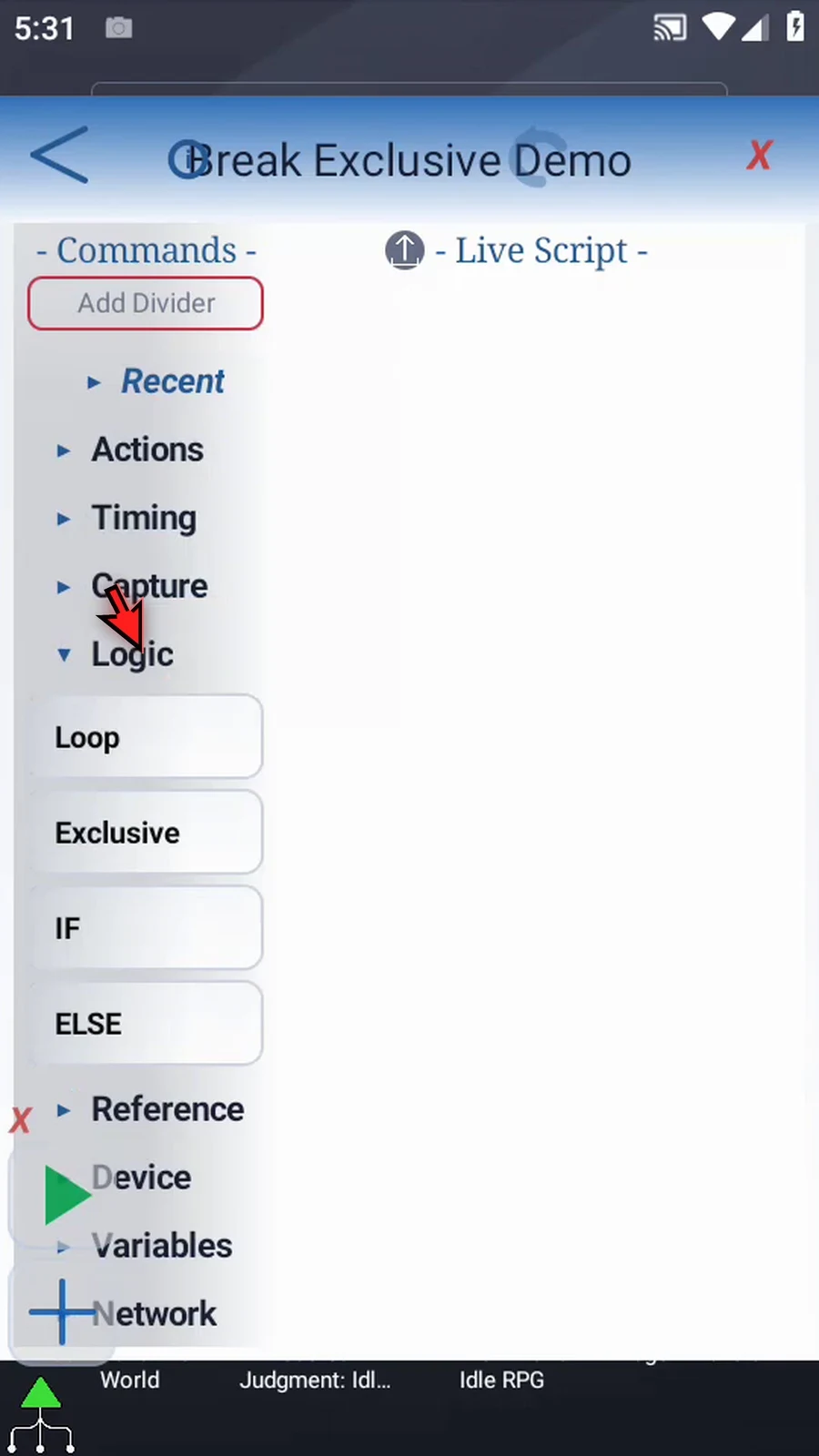
Step 05 Drag Exclusive into the empty script. ScriptTap adds End Exclusive automatically. We will put a confirmation prompt and a Delay between these endpoints.
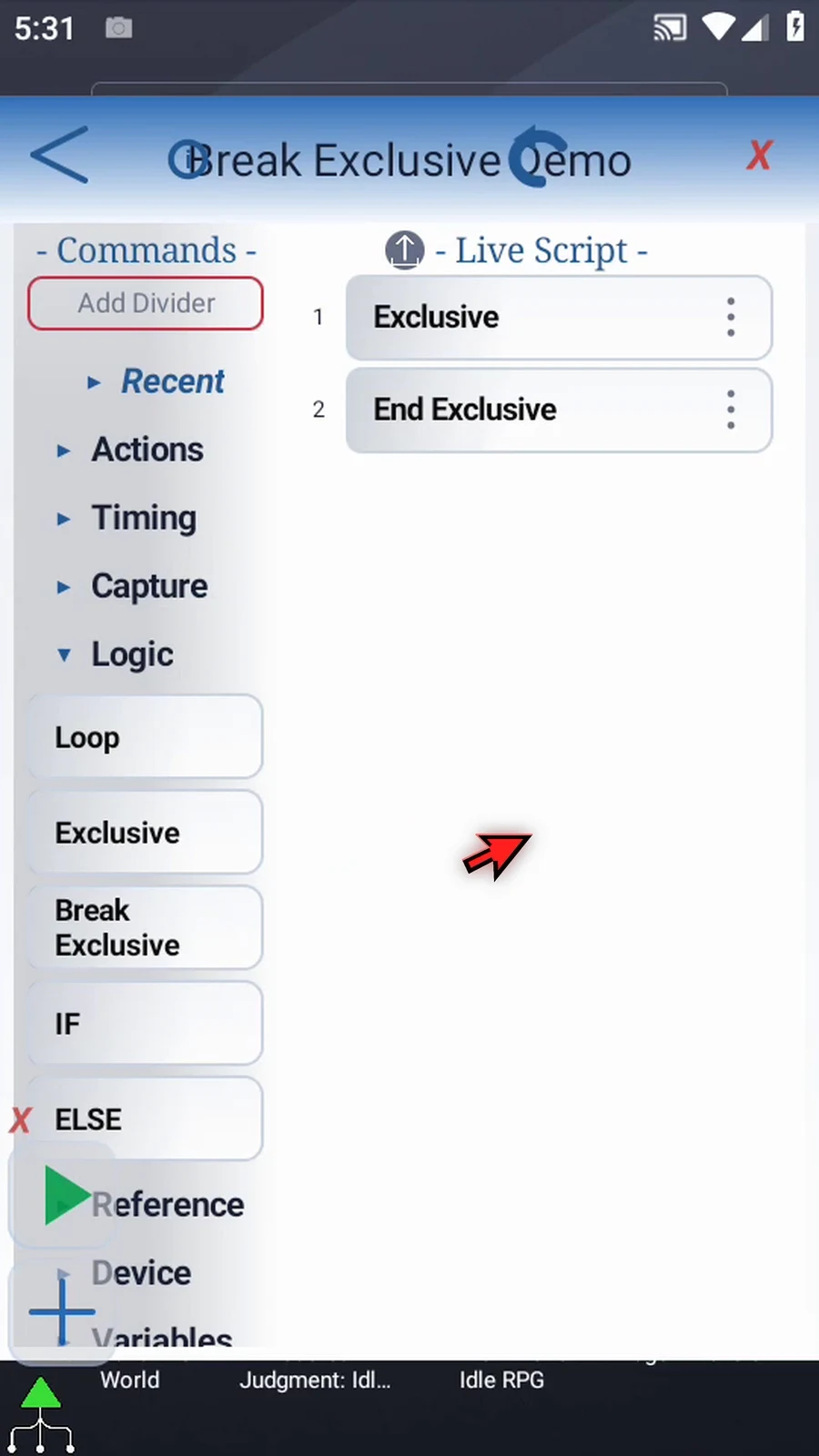
Step 06 Find PromptMe under Advanced and drag it into the script. Move it between Exclusive and End Exclusive. This will give us a visible starting point during playback.
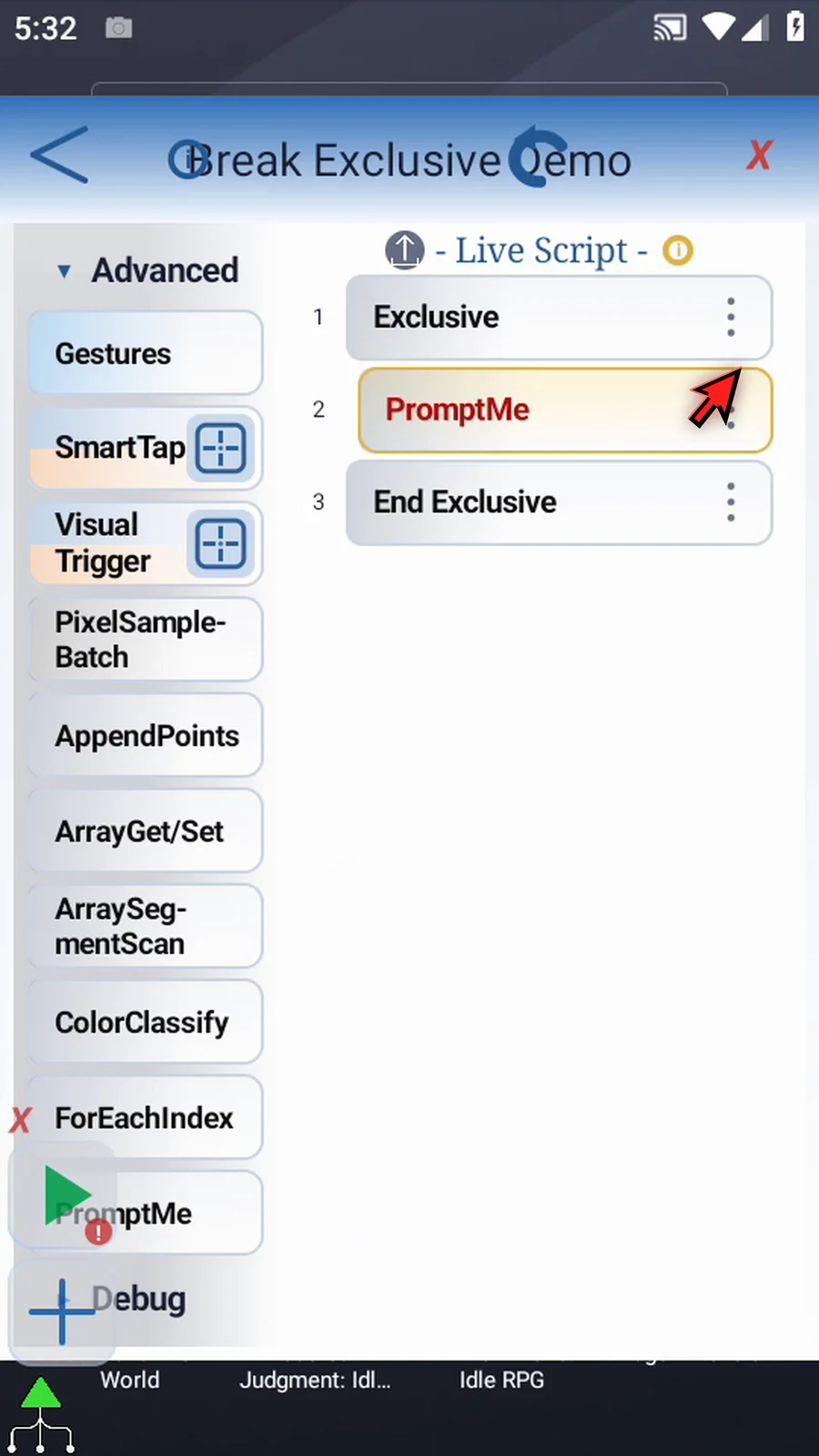
Step 07 Open PromptMe and keep the regular style. Set the header to Before, then add a button named Next.
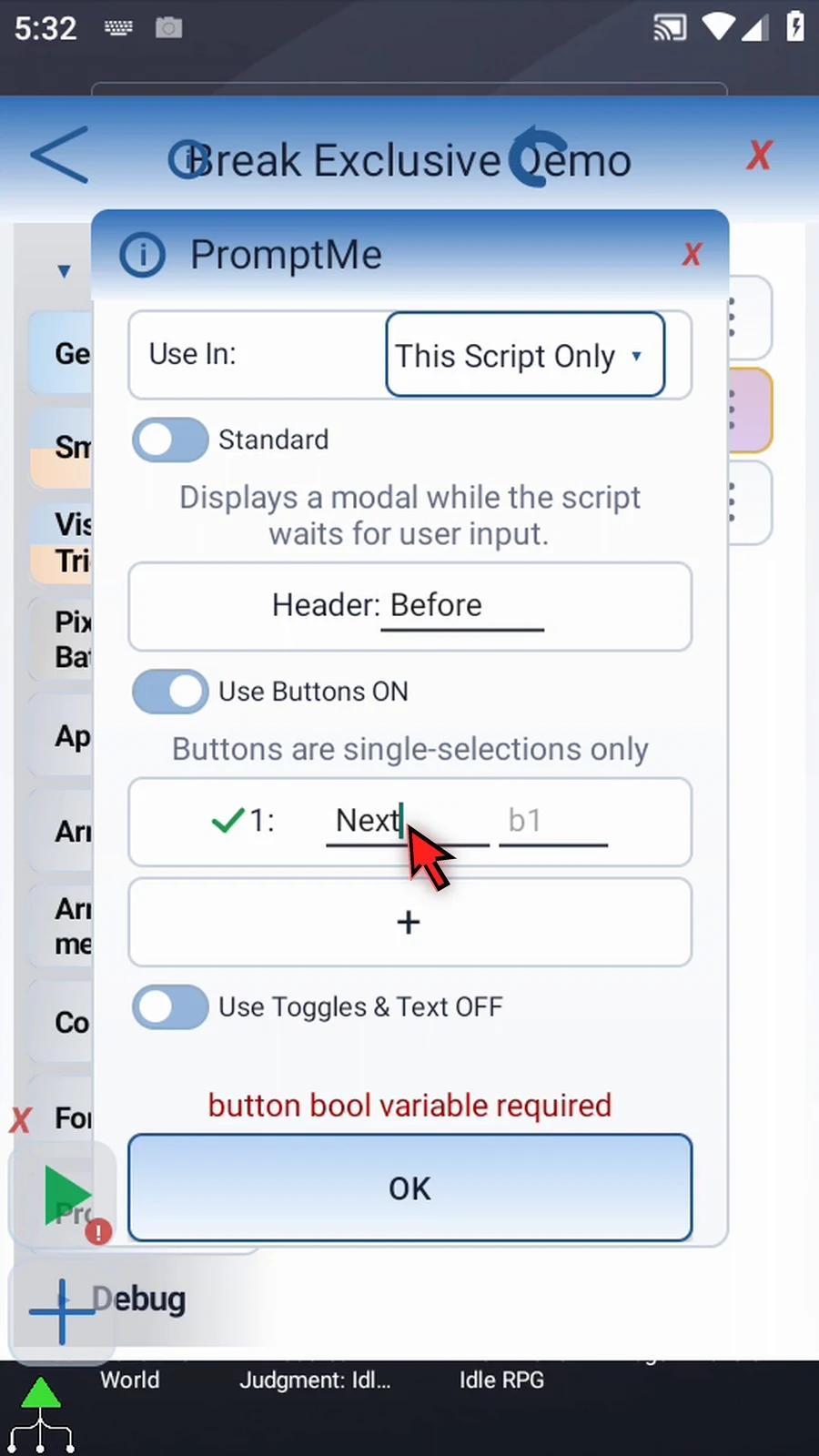
Step 08 Assign that button to Boolean b one and confirm. We only need the button to continue the script; no condition uses its value in this example.
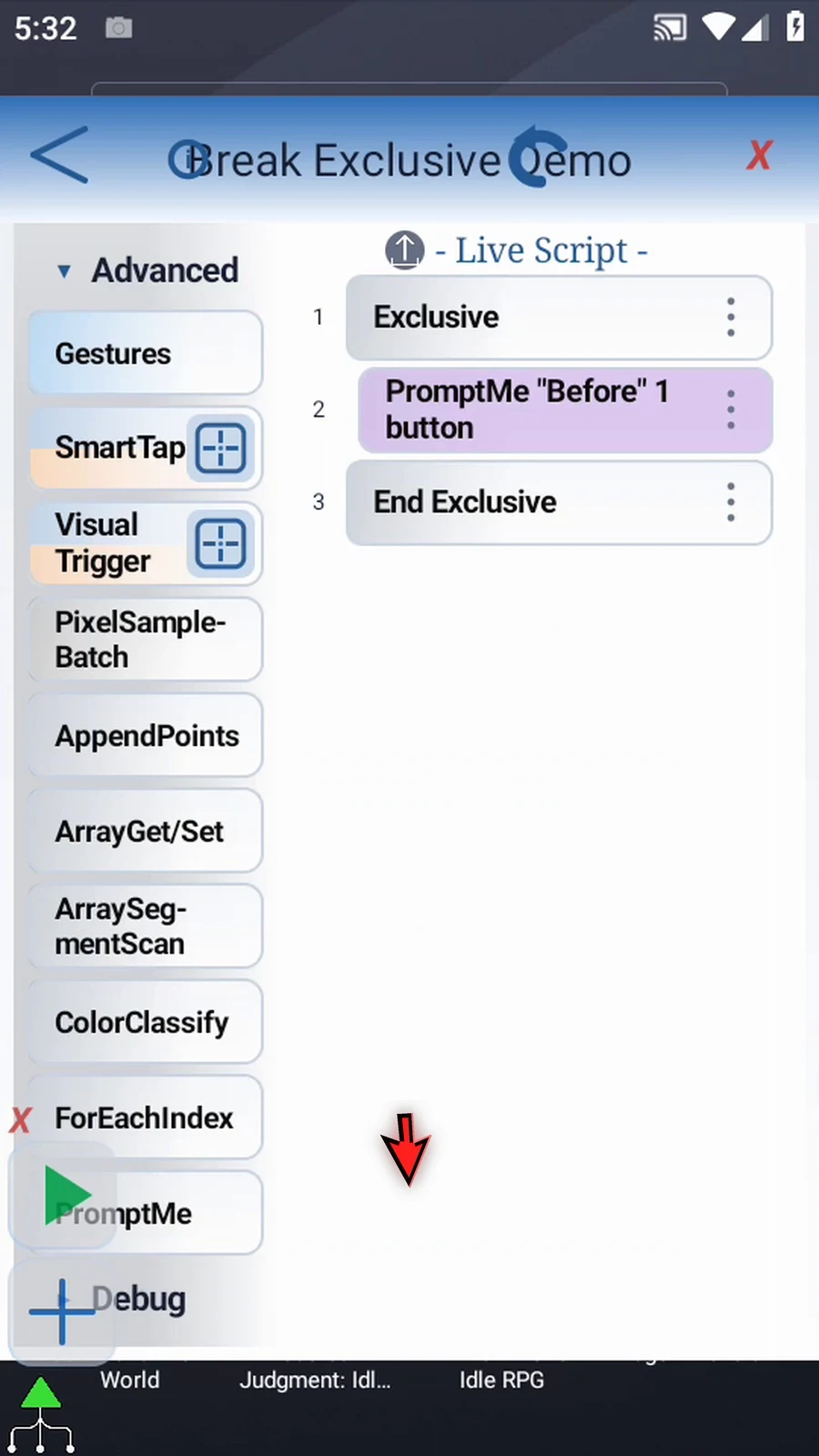
Step 09 Open Timing and drag Delay after the Before prompt, still inside Exclusive. This is the command that Break Exclusive will skip.
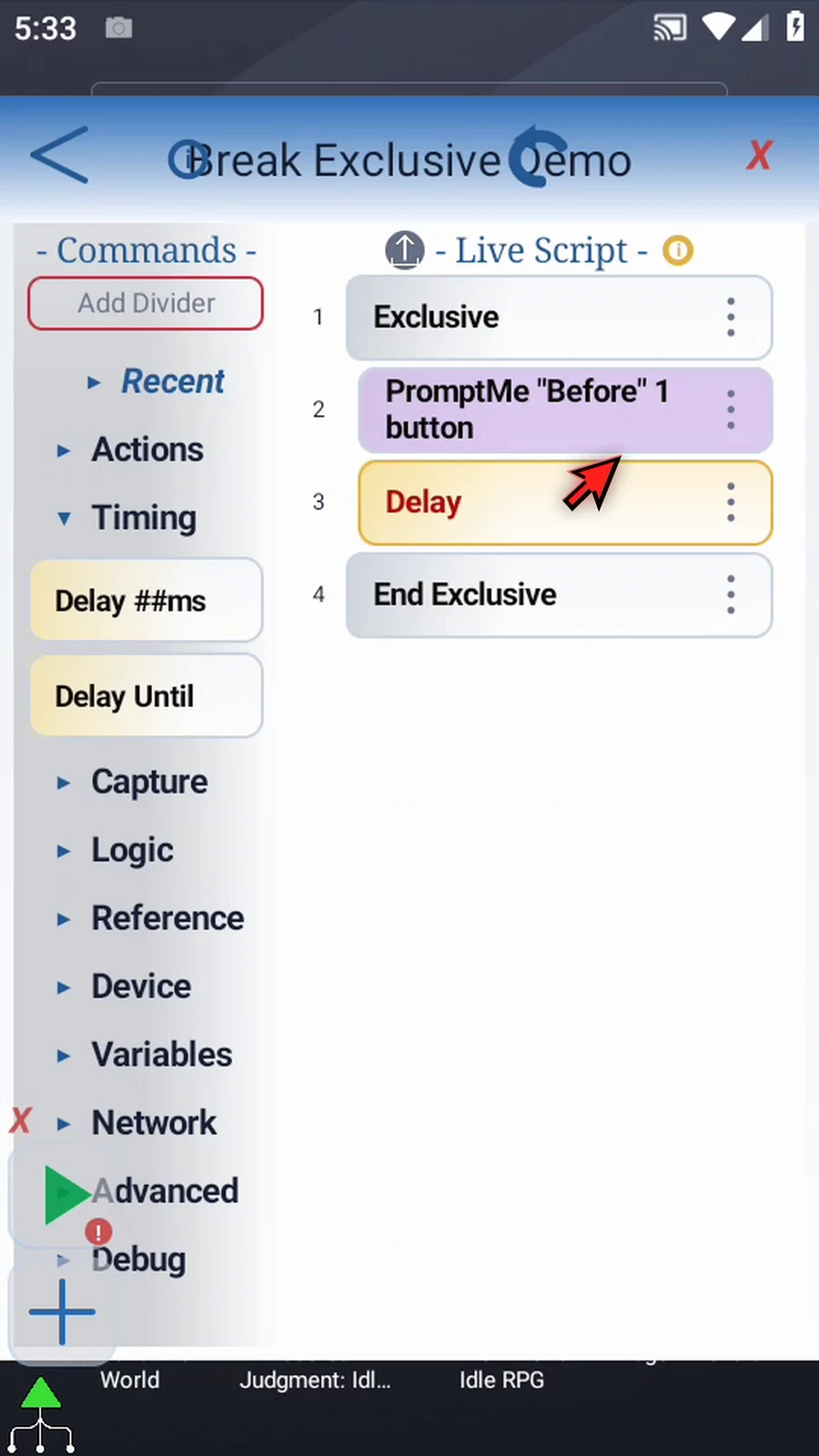
Step 10 Open Delay, enter five thousand milliseconds, and confirm. Without an early exit, this part of the script would wait for five seconds.
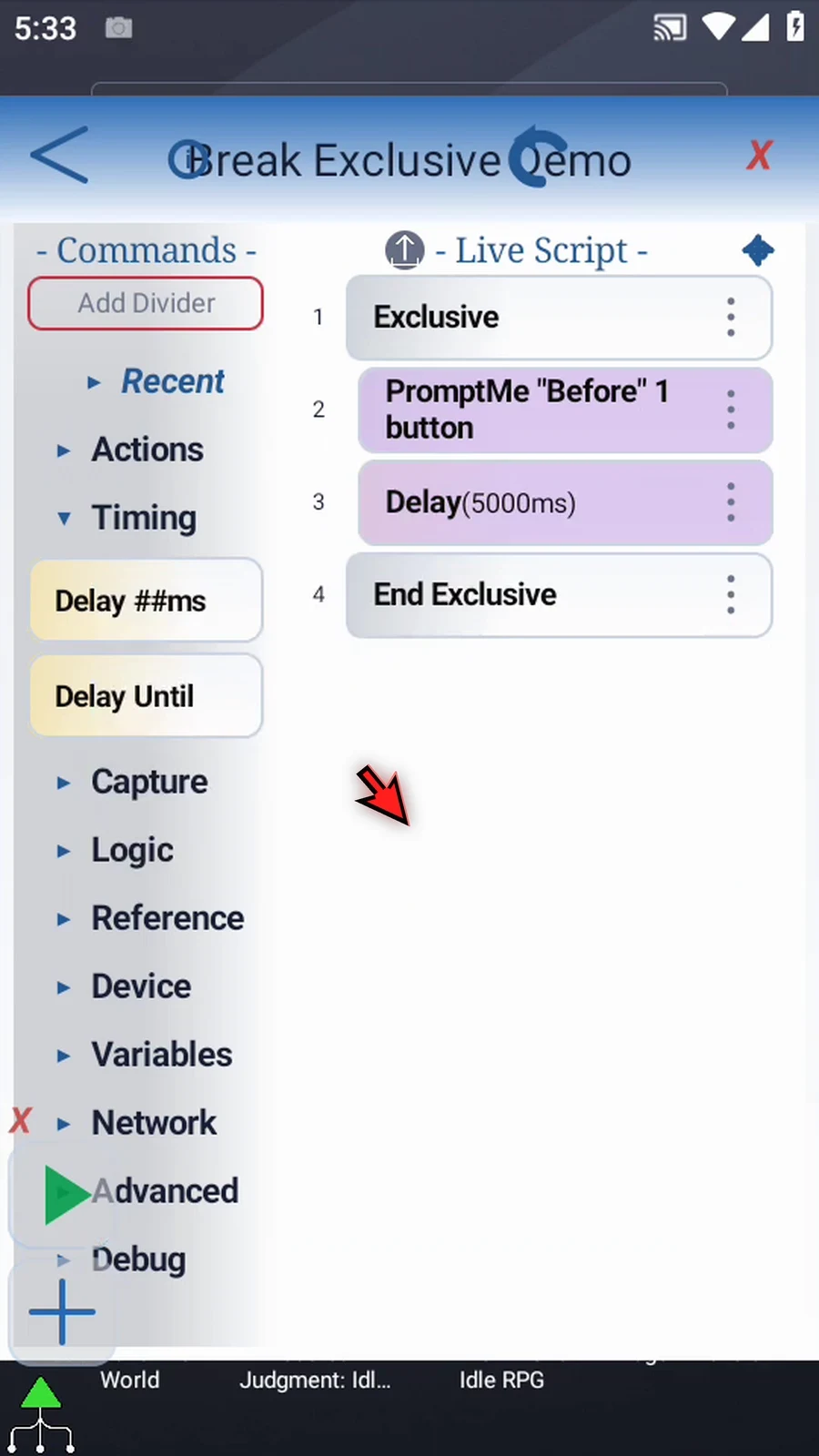
Step 11 Add another PromptMe after End Exclusive. This one must stay outside the block so we can see when execution has left the protected section.
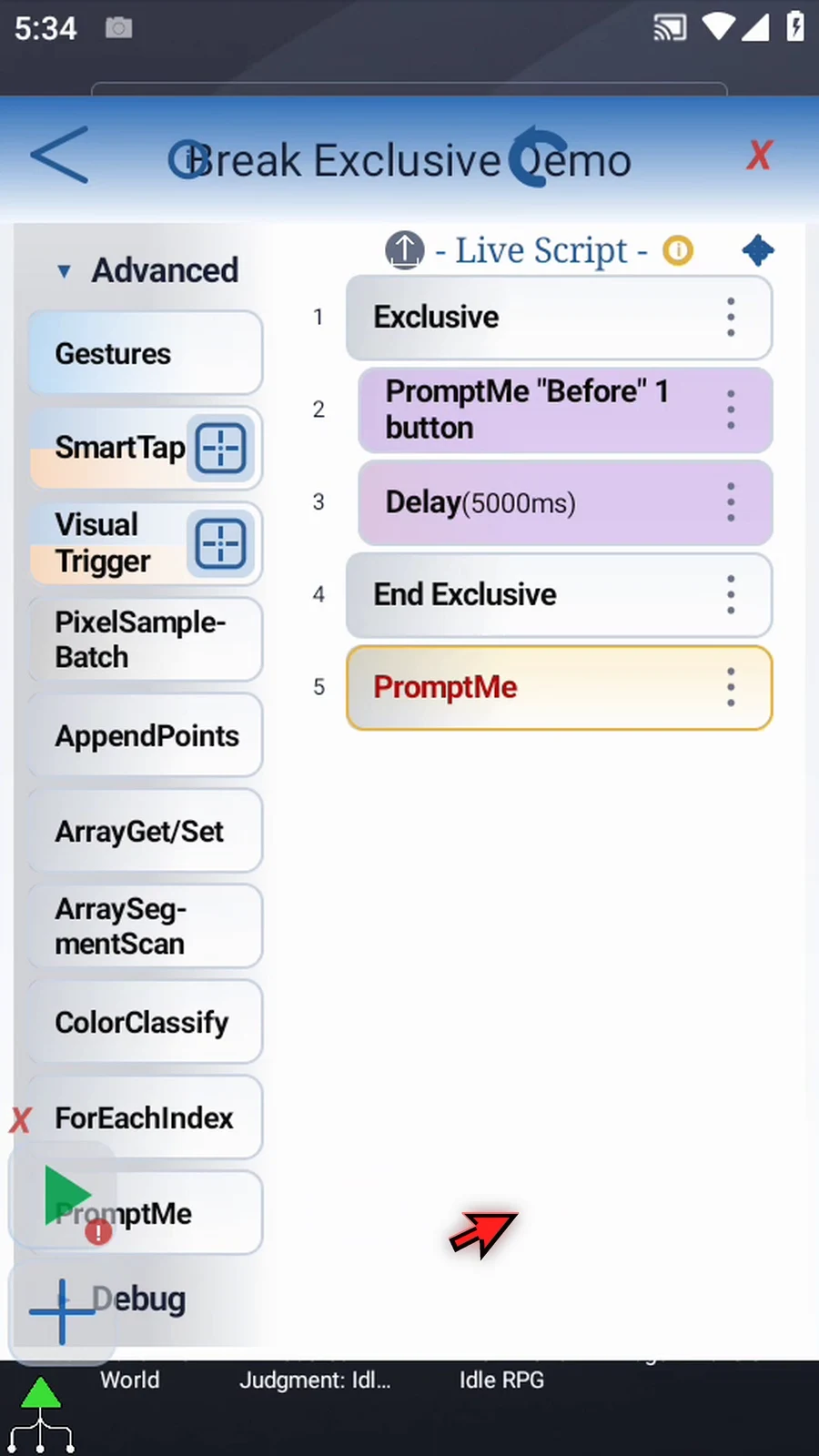
Step 12 Open the final prompt. Set its header to Complete, then add a button named Done.
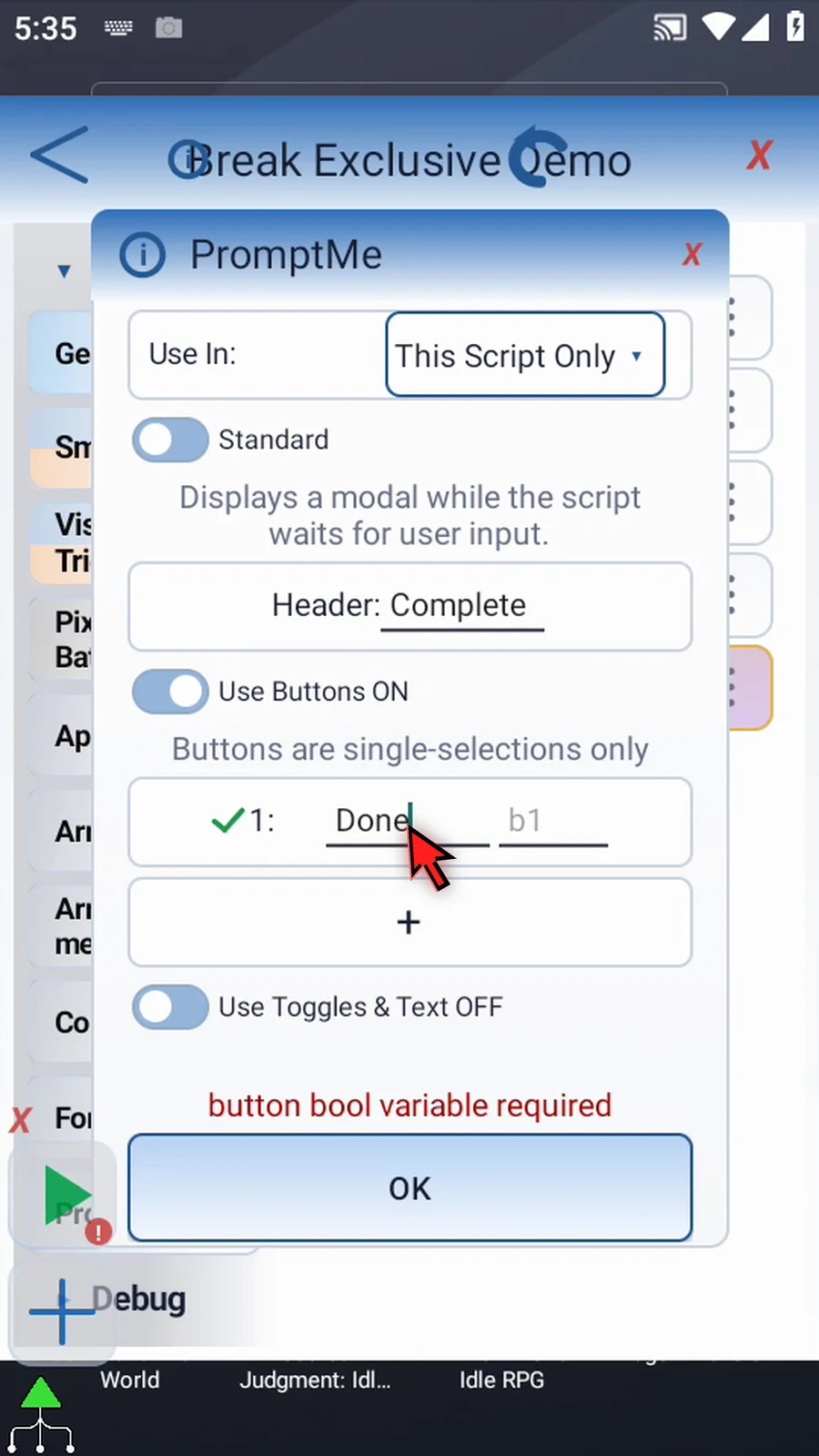
Step 13 Use Boolean b two for the Done button, then confirm. The setup is ready.
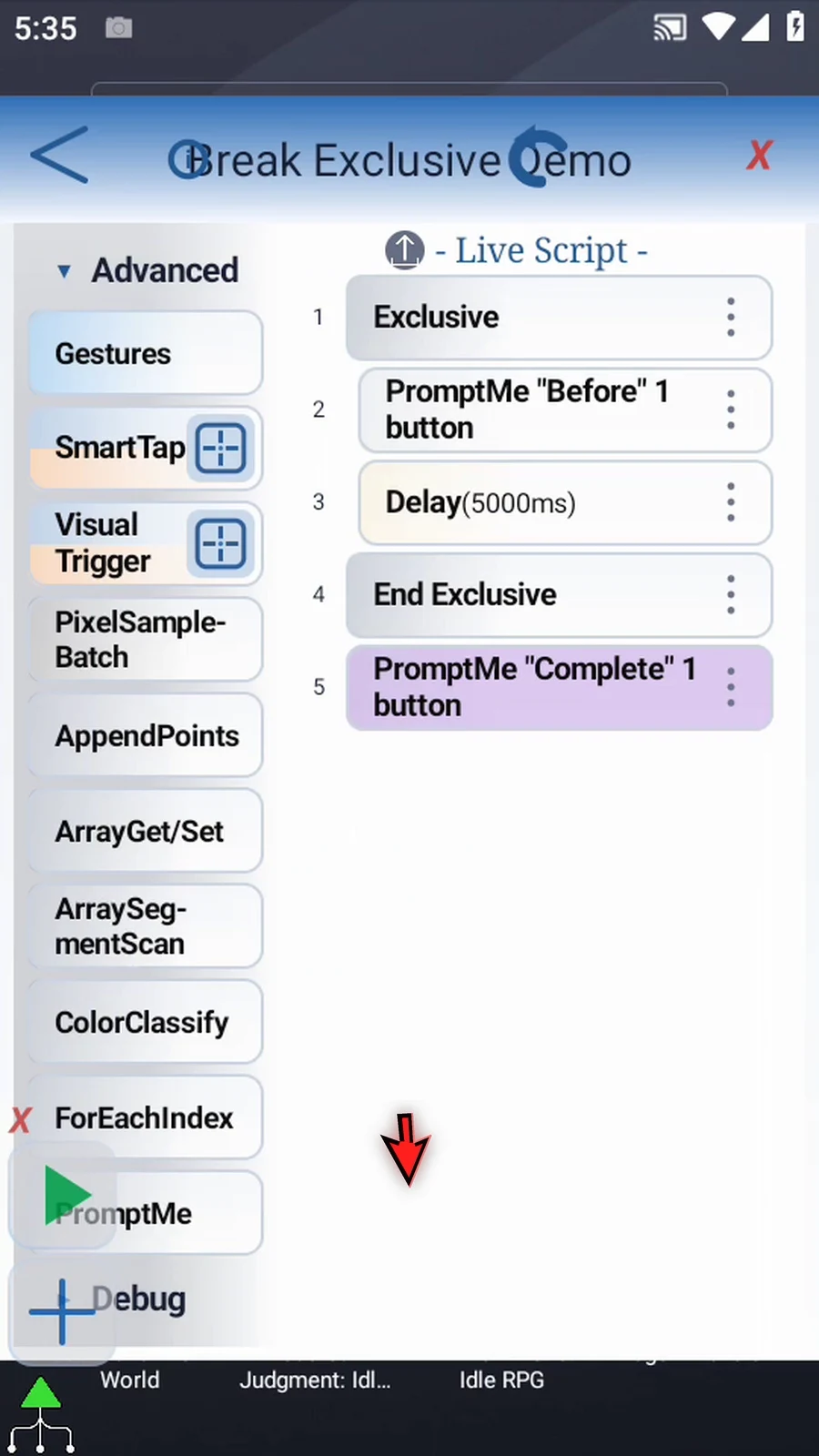
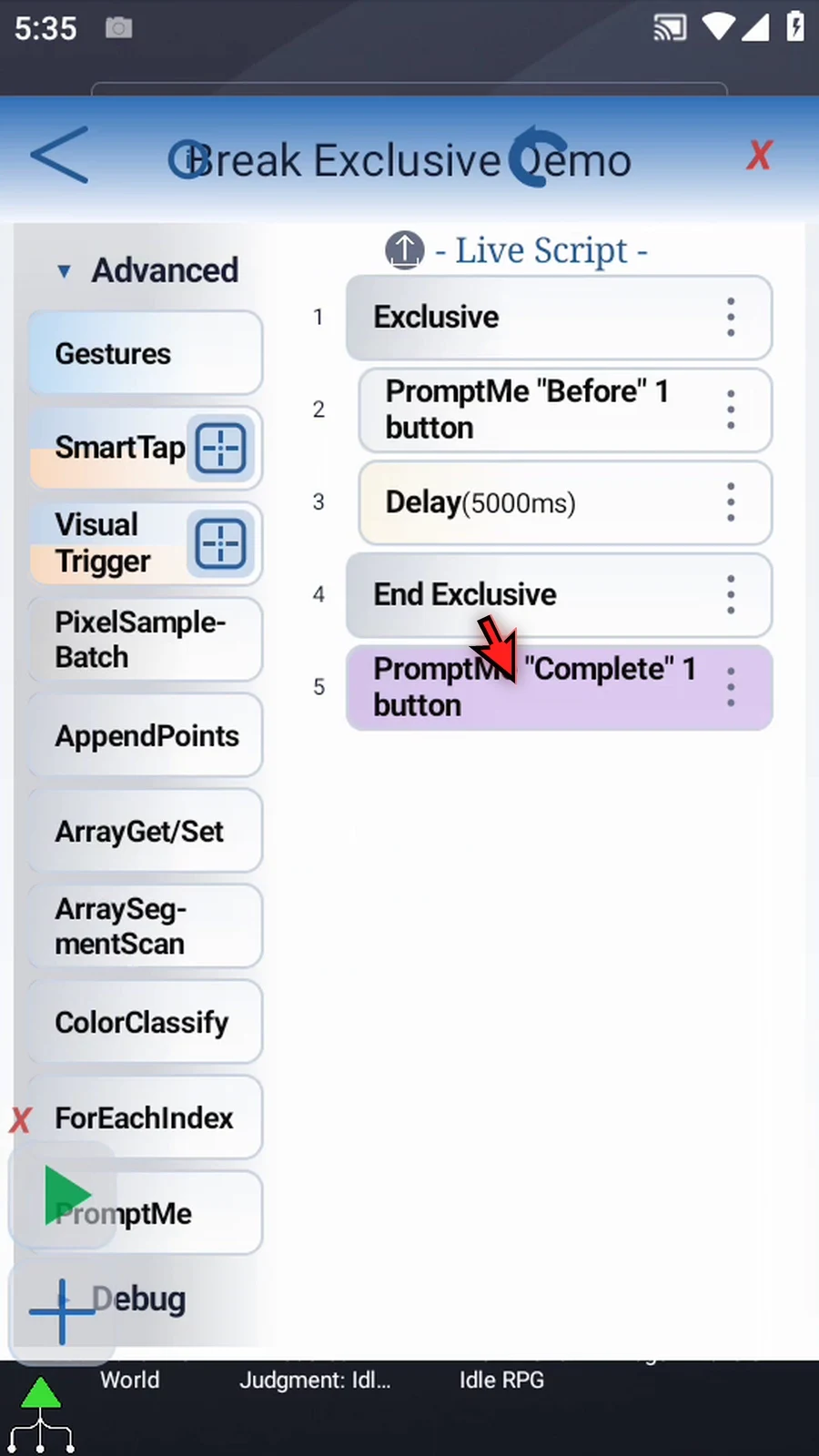
Step 14 Here is the sequence before adding Break Exclusive. The Before prompt is followed by a five-second Delay inside the block. The Complete prompt is after End Exclusive. We do not need to play this version.
Step 15 Return to Logic. Break Exclusive becomes available when the script contains an Exclusive block.
Step 16 Drag Break Exclusive after Before and before the Delay. Watch the blue insertion line: the command belongs inside the Exclusive block.
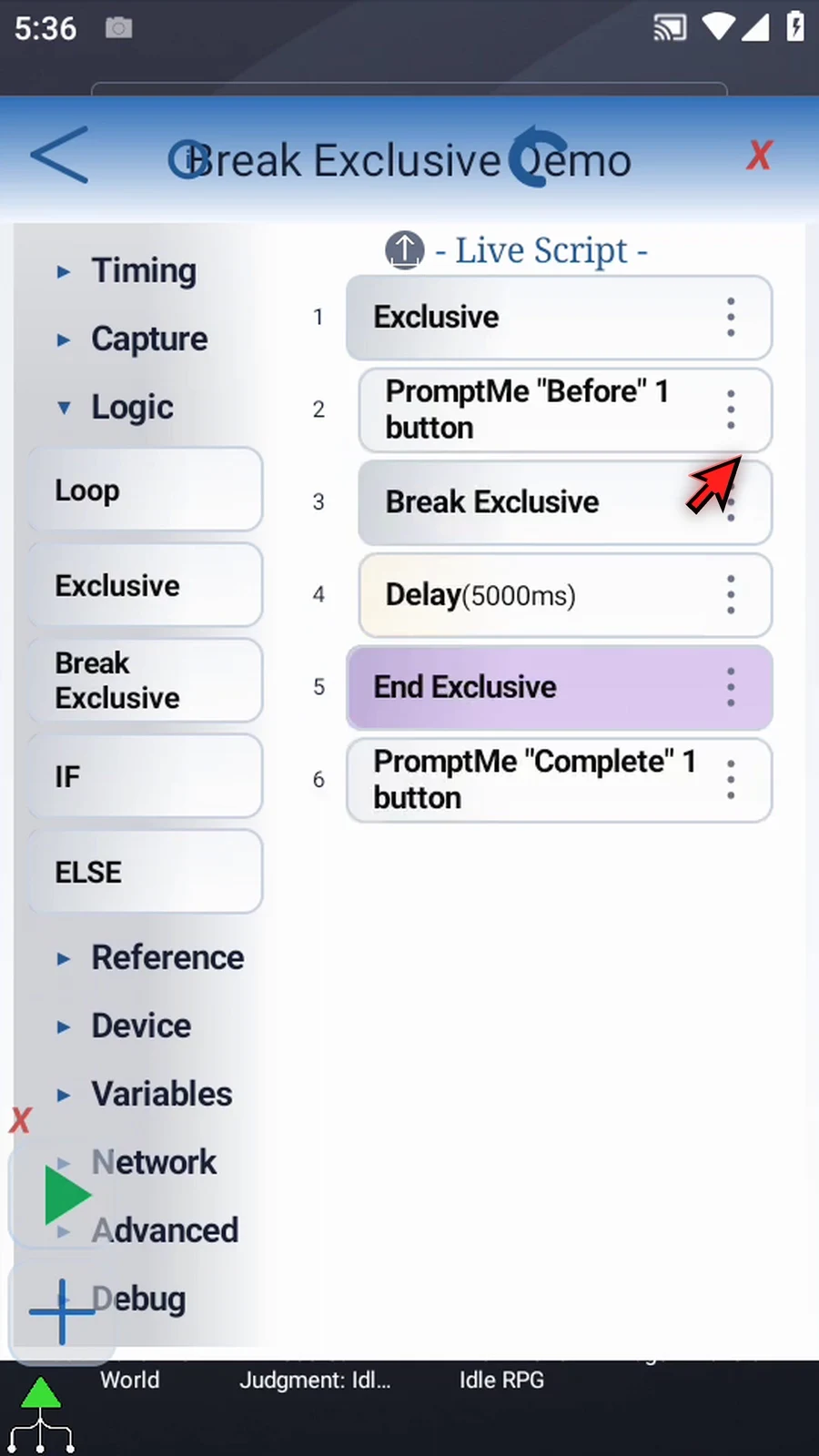
Step 17 There are no additional command settings. When Break Exclusive runs, the five-second Delay is skipped. Only the nearest enclosing Exclusive level is exited; an outer Exclusive block, if present, remains active. It does not stop the whole script.
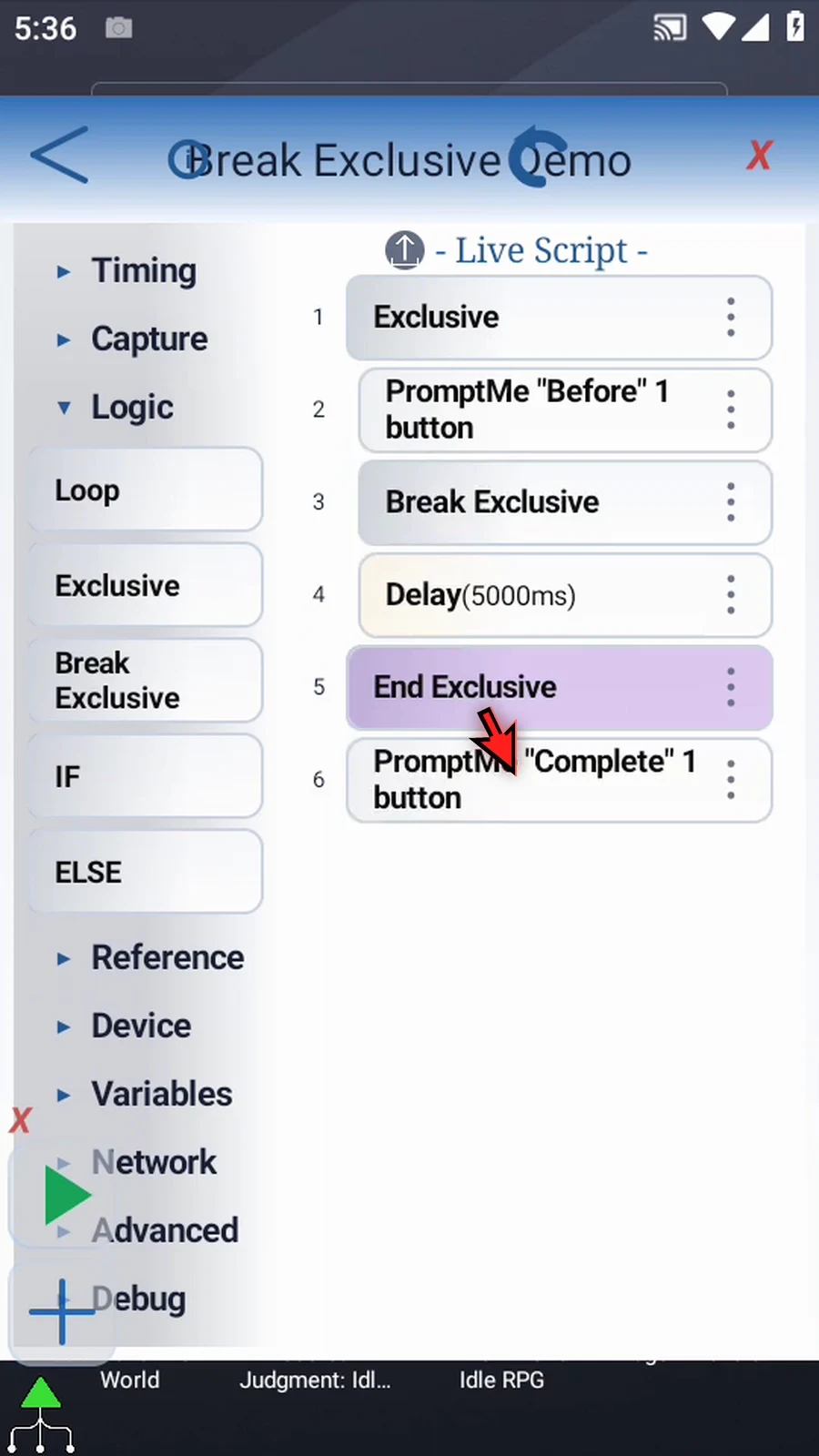
Step 18 When the script is complete, simply use the Play button in the main overlay.
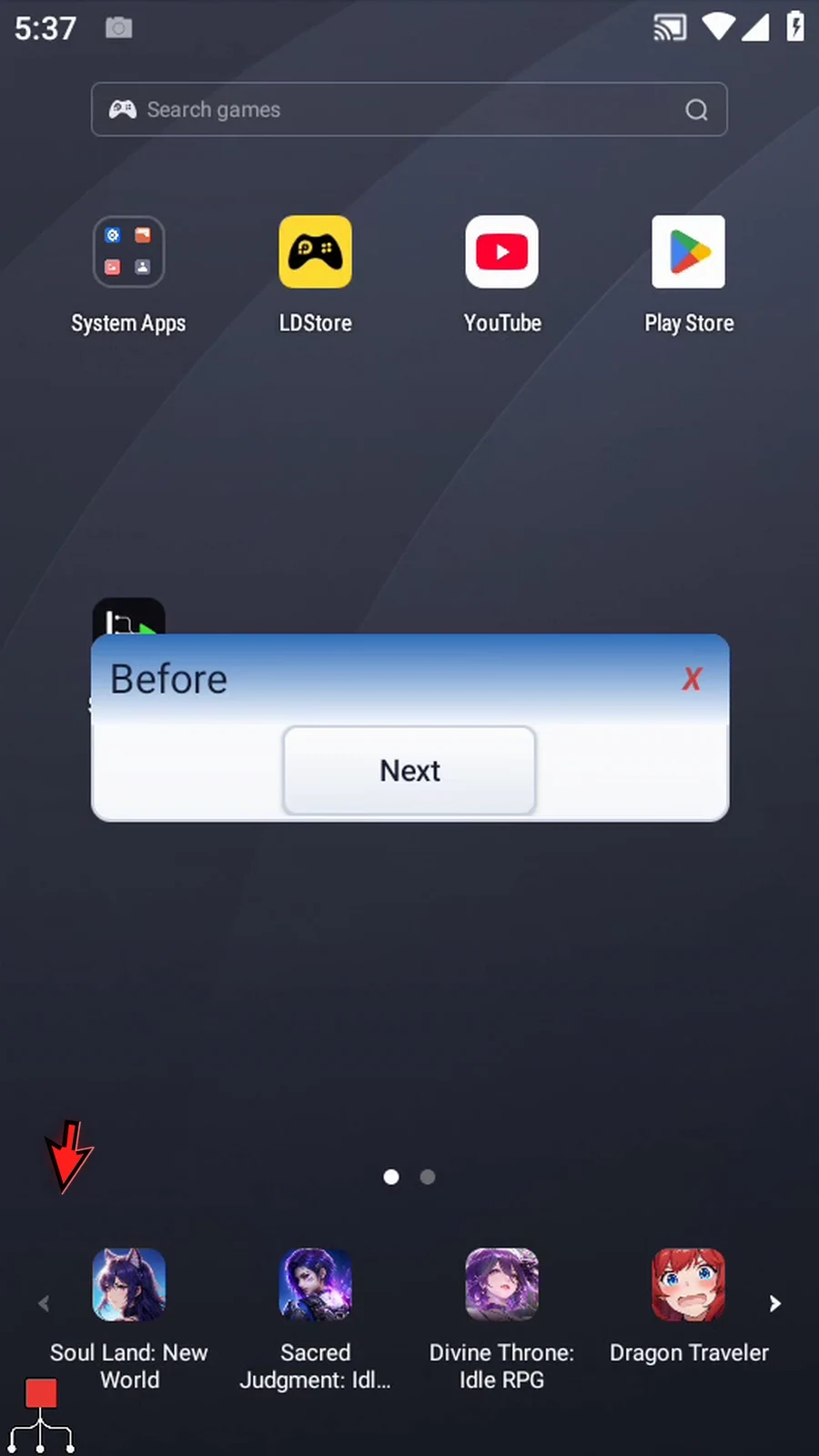
Step 19 The Before prompt is our starting point. Next will continue to Break Exclusive, not directly to the Delay.
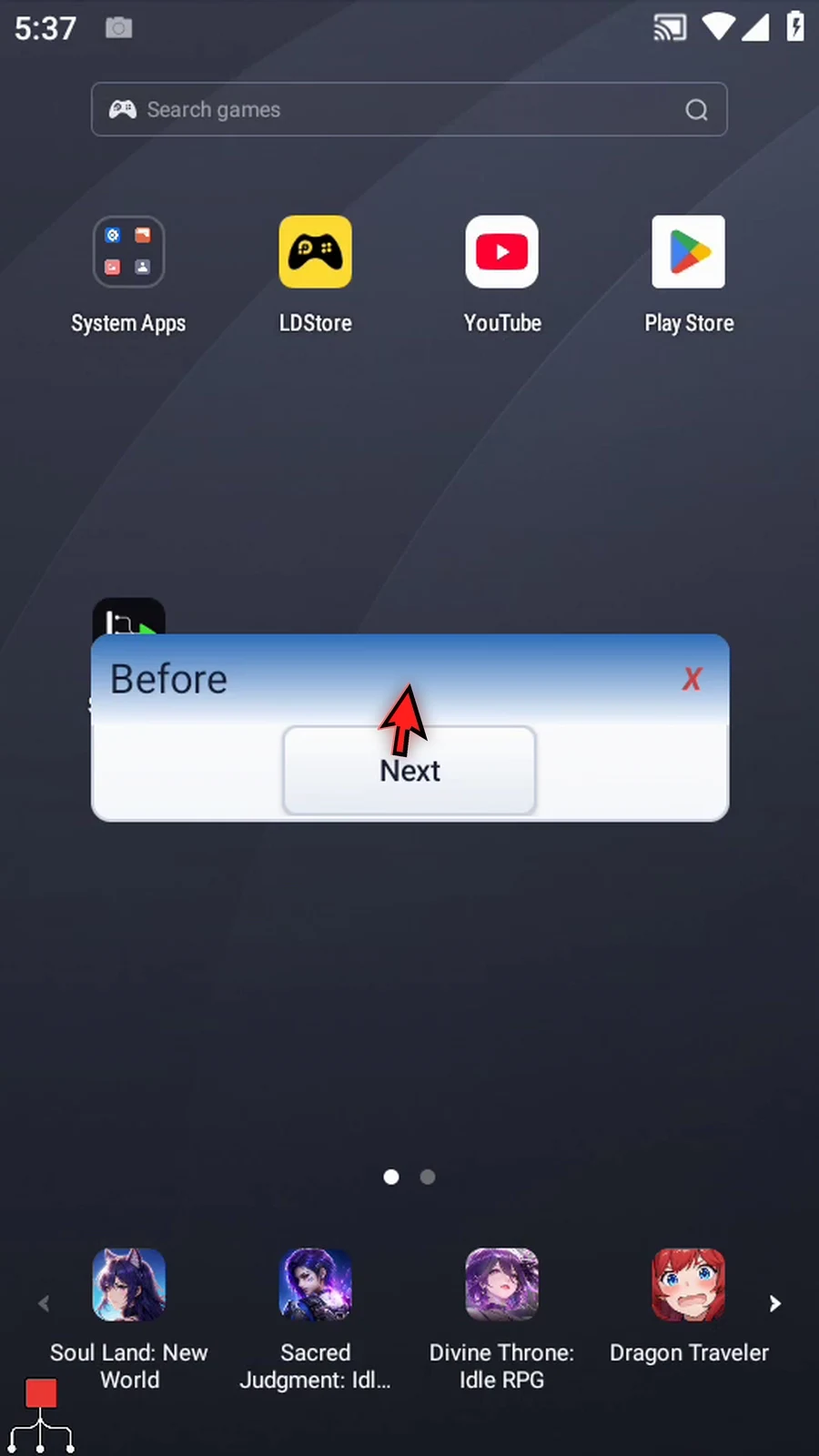
Step 20 Tap Next. Complete appears immediately. Break Exclusive skipped the Delay and continued after End Exclusive without waiting five seconds.
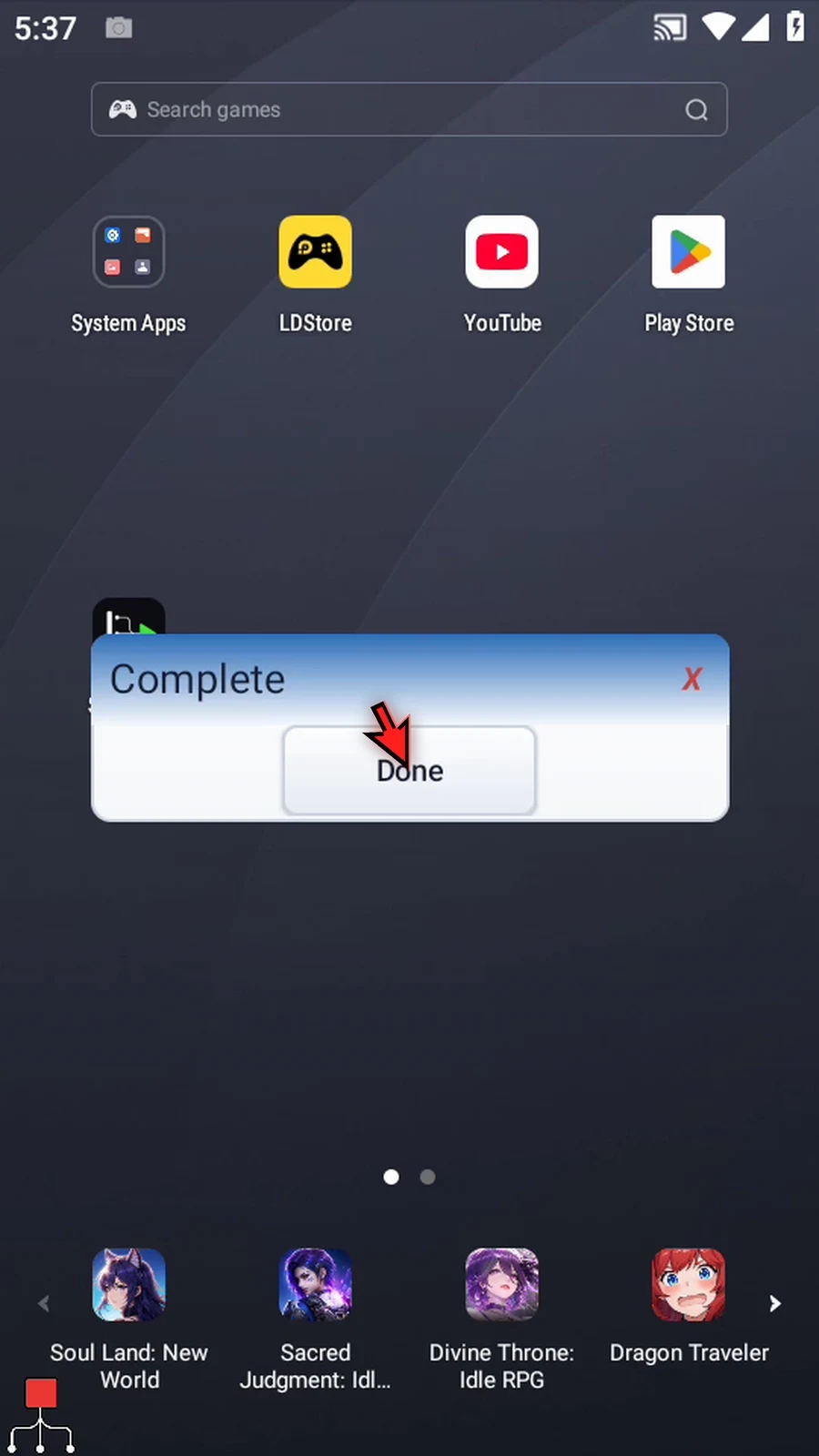
Step 21 Tap Done. The script finishes automatically. Use Break Exclusive when a protected section should end early and execution should continue afterward.