Command video guide
ForEachIndex
ForEachIndex repeats the commands inside its matching End over a numeric range. At the start of each pass, it writes the current number to an Integer variable. Use that index in later actions, such as array processing.
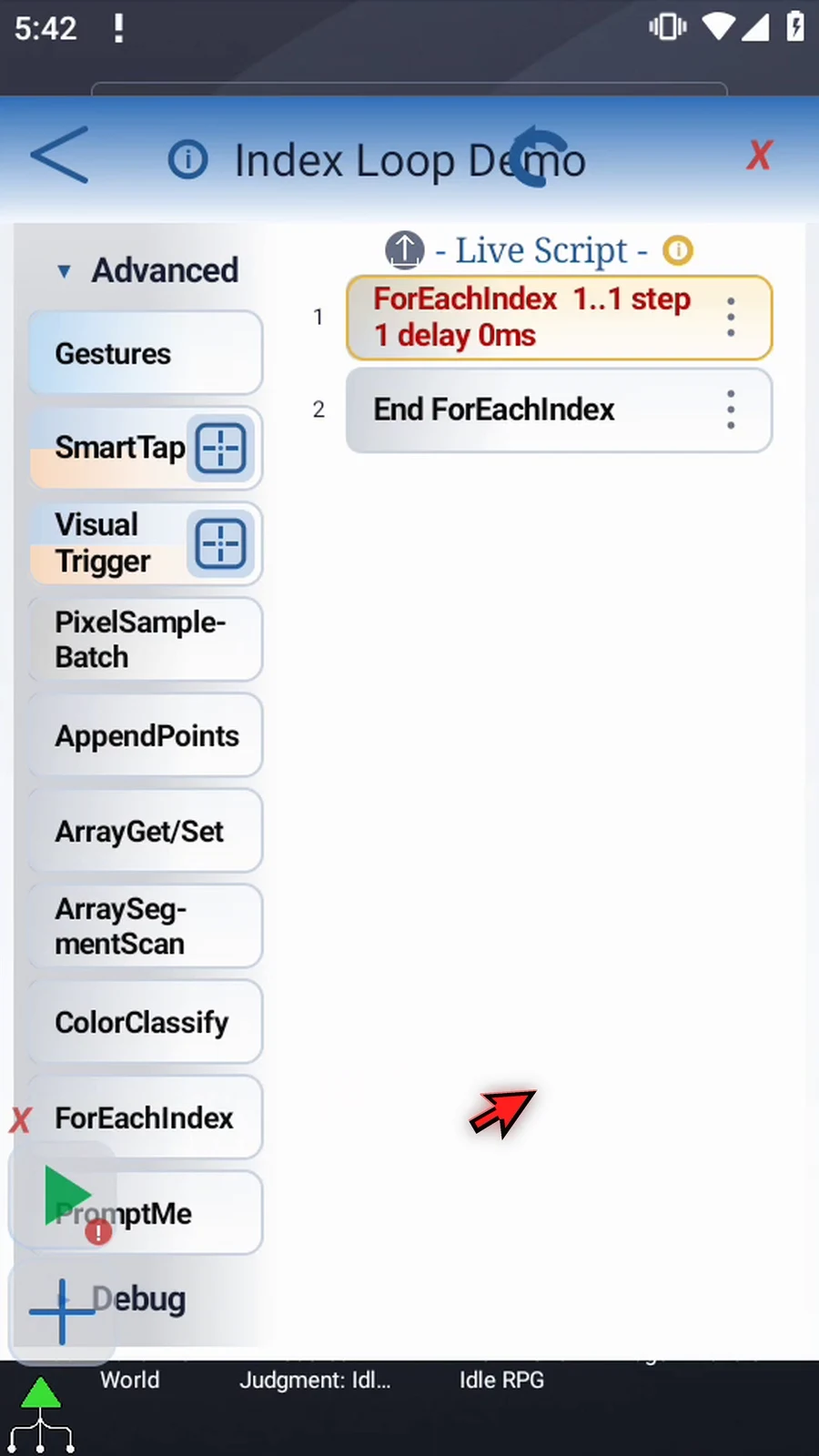
Create a new script and manually drag ForEachIndex from Advanced. ScriptTap adds End ForEachIndex. Put the repeated commands between those rows.
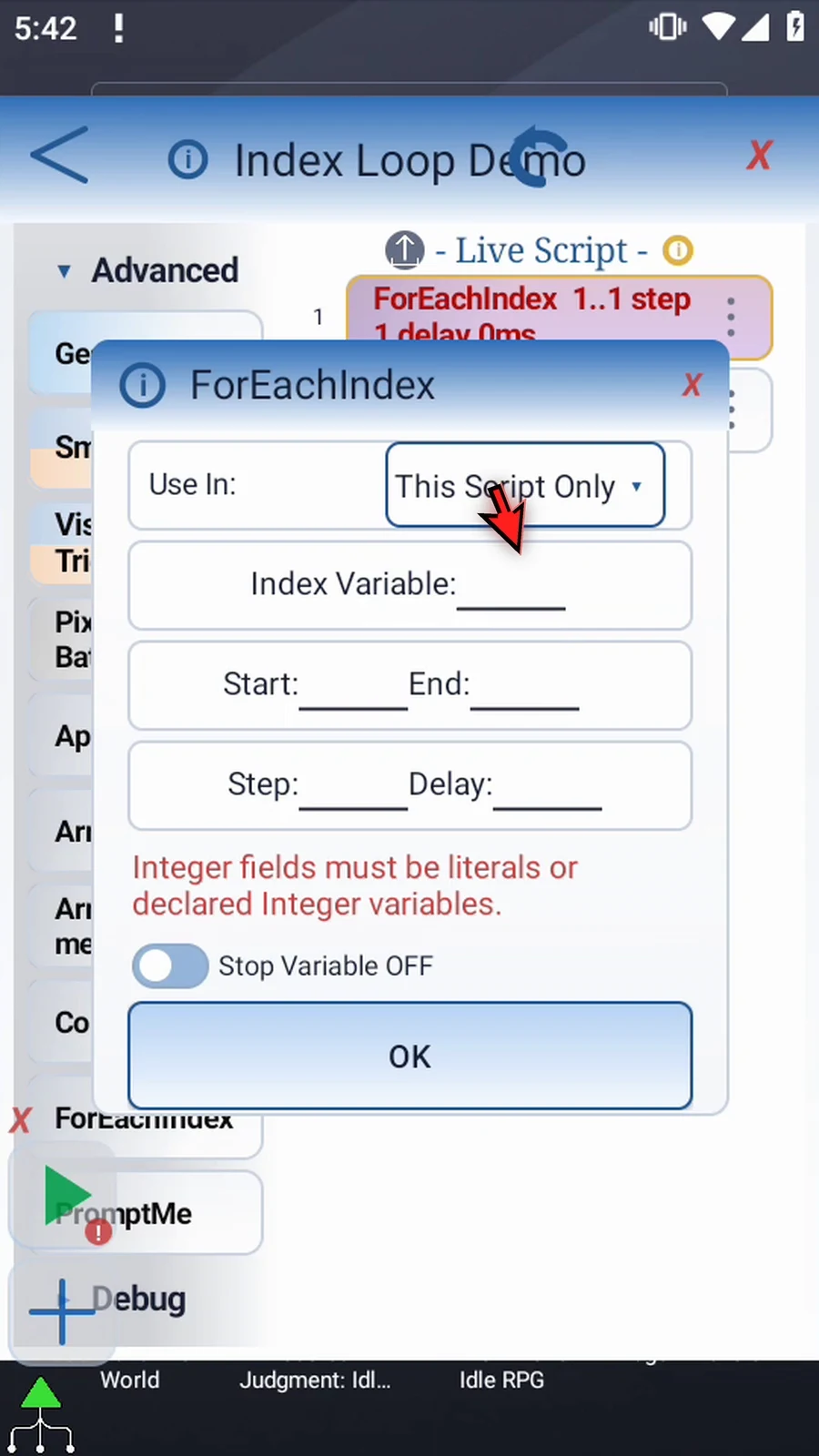
- Use In: This Script Only keeps the output local; Script Thread shares it with the current script thread.
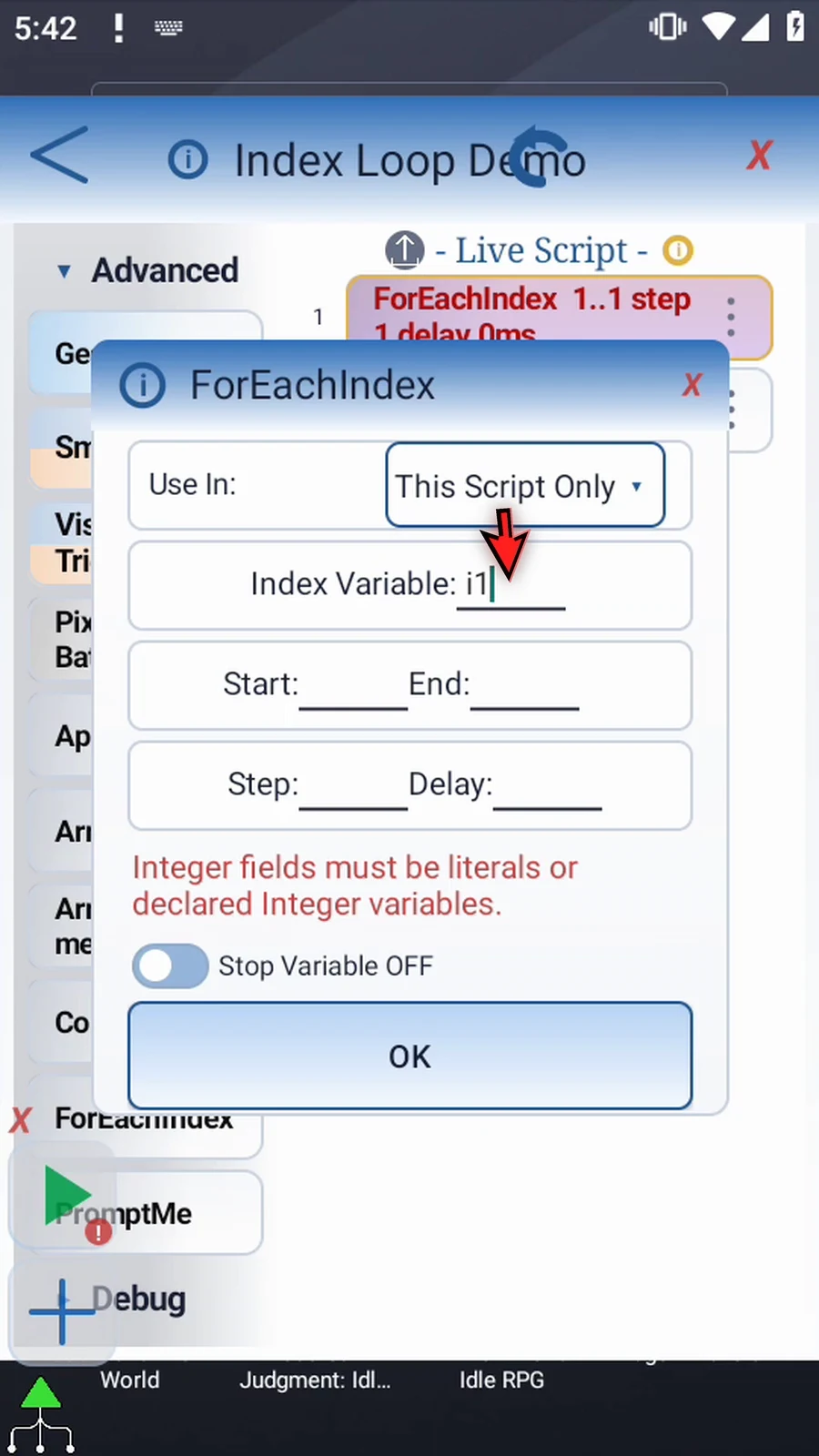
- Index Variable: an Integer output such as
i1, updated at the beginning of every pass. It is not a repetition count. - Start / End / Step: signed Integer literals or previously created Integer variables, read once when the loop begins. The endpoint is included when the step reaches it. Positive steps move upward; negative steps move downward. Zero is treated as one. A direction that starts beyond the permitted bound produces no passes.
- Delay: milliseconds at End after each pass; zero adds no pause. A variable-backed delay is resolved again at each End.
- Stop Variable: optional existing Boolean or numeric variable. At End, true or nonzero exits early; false or zero allows normal progression. An ordinary OFF/ON toggle preserves its entered name.
The example uses i1, Start 1, End 3, Step 1, Delay 500. Stop Variable is shown, then left OFF. Manually add PromptMe inside the block, use Standard mode with header Pass, and add one Next button writing Boolean b1. PromptMe is a visual confirmation, not an index display. Press Next three times; the script completes automatically with i1 = 3.
A GoTo jump within the same block keeps its current index. Jumping out ends the loop. A jump from outside to a label inside reaches End without an active index; End returns to ForEachIndex to begin the first pass.
Watch the walkthrough
Step-by-step guide
Step 01 ForEachIndex repeats a block of commands over a range of numbers. It stores the current number in an Integer variable on each pass, so later commands can use that index, for example when processing an array.
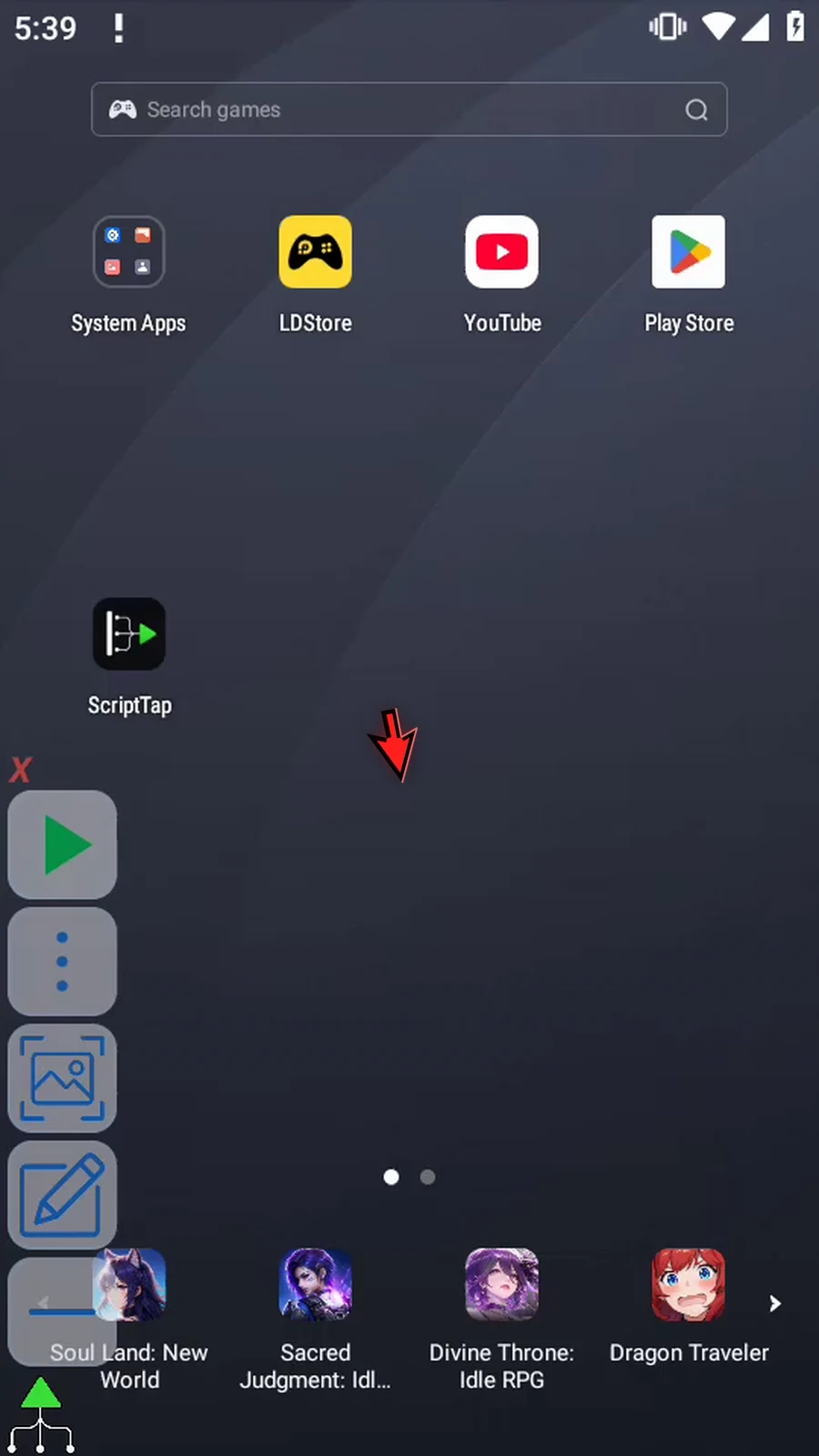
Step 02 Start by creating a new, empty script from the script library.
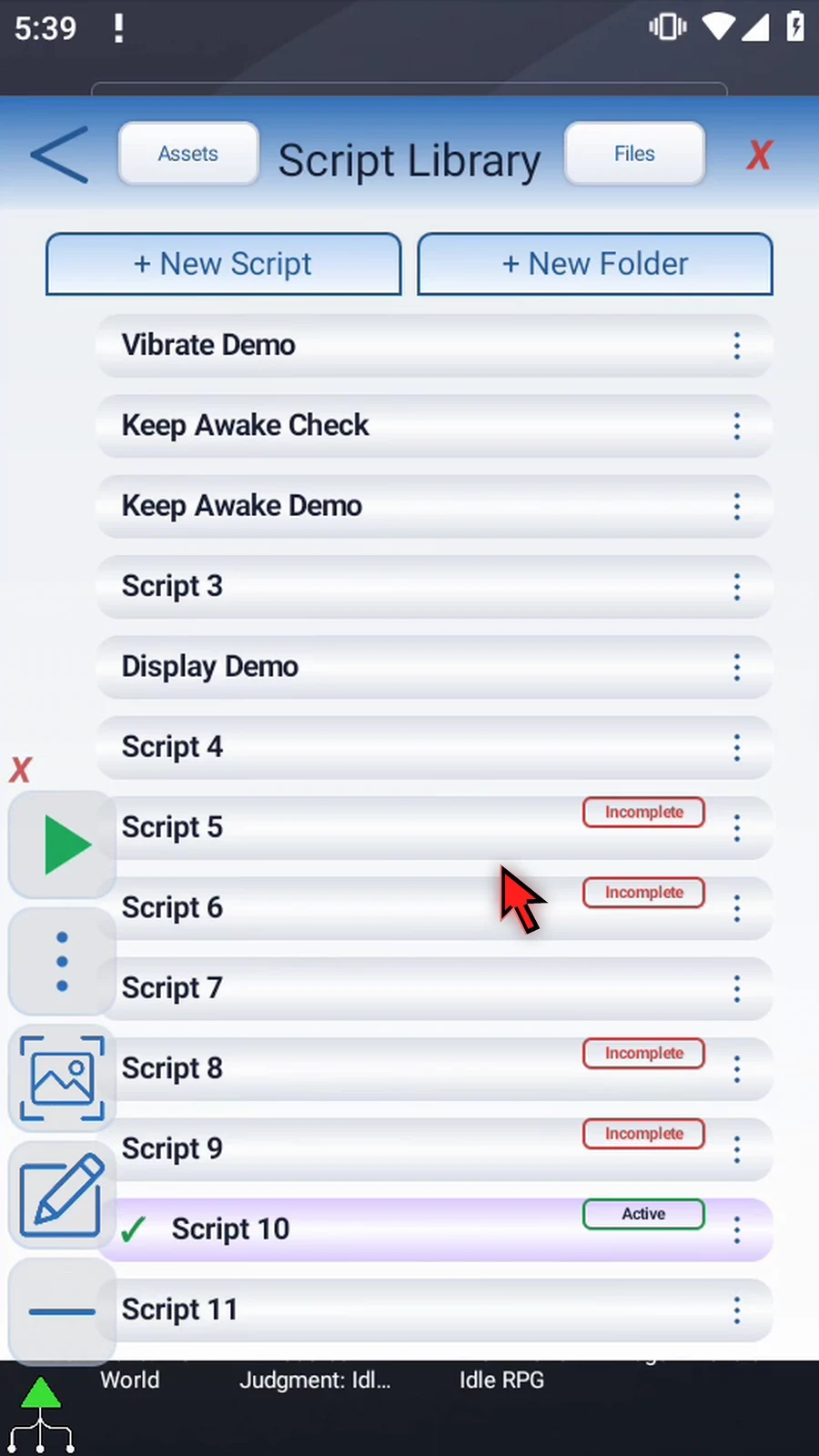
Step 03 Give your script a name, select it, and open its editor.
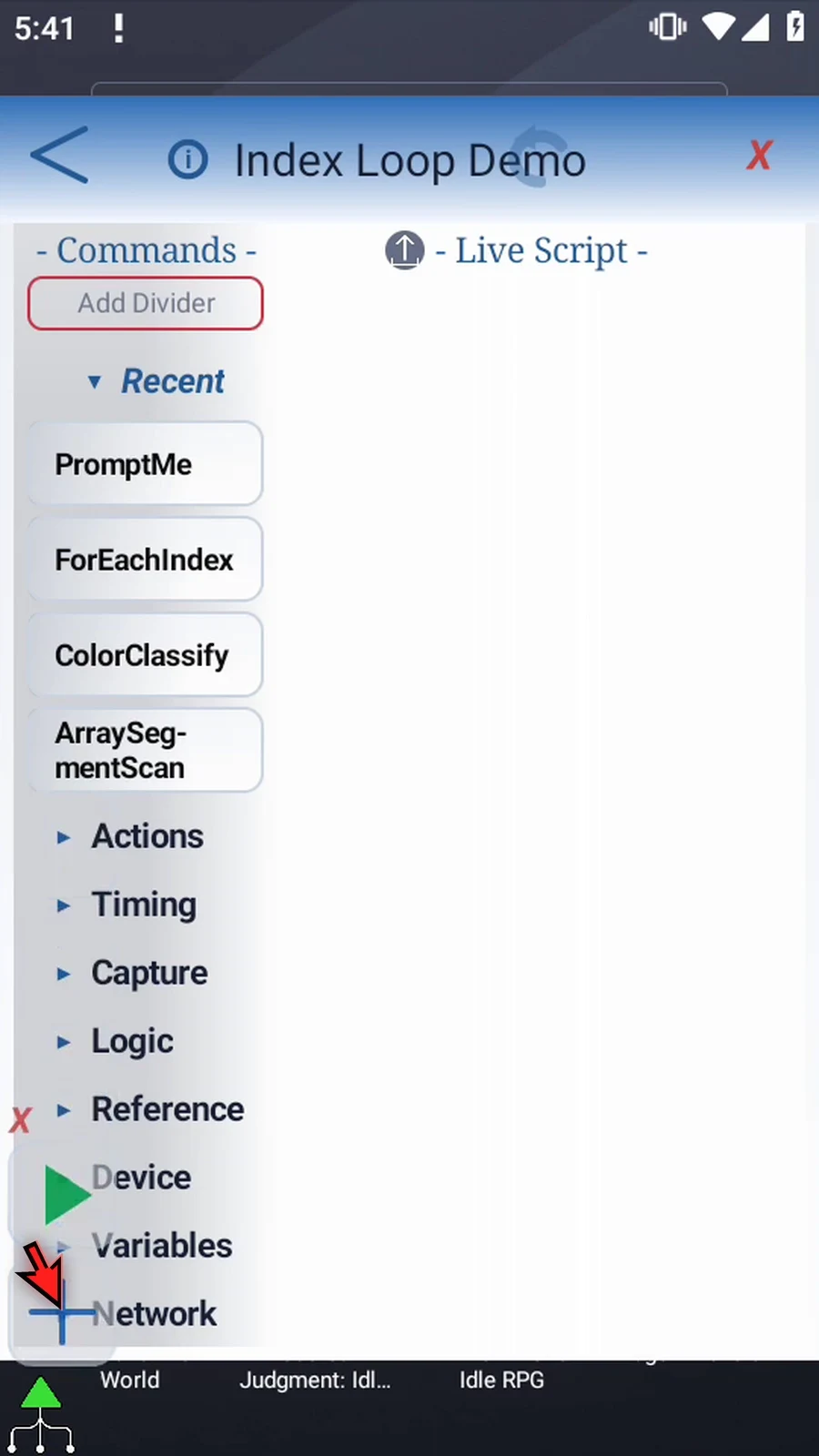
Step 04 Open Advanced in the command palette and find ForEachIndex.
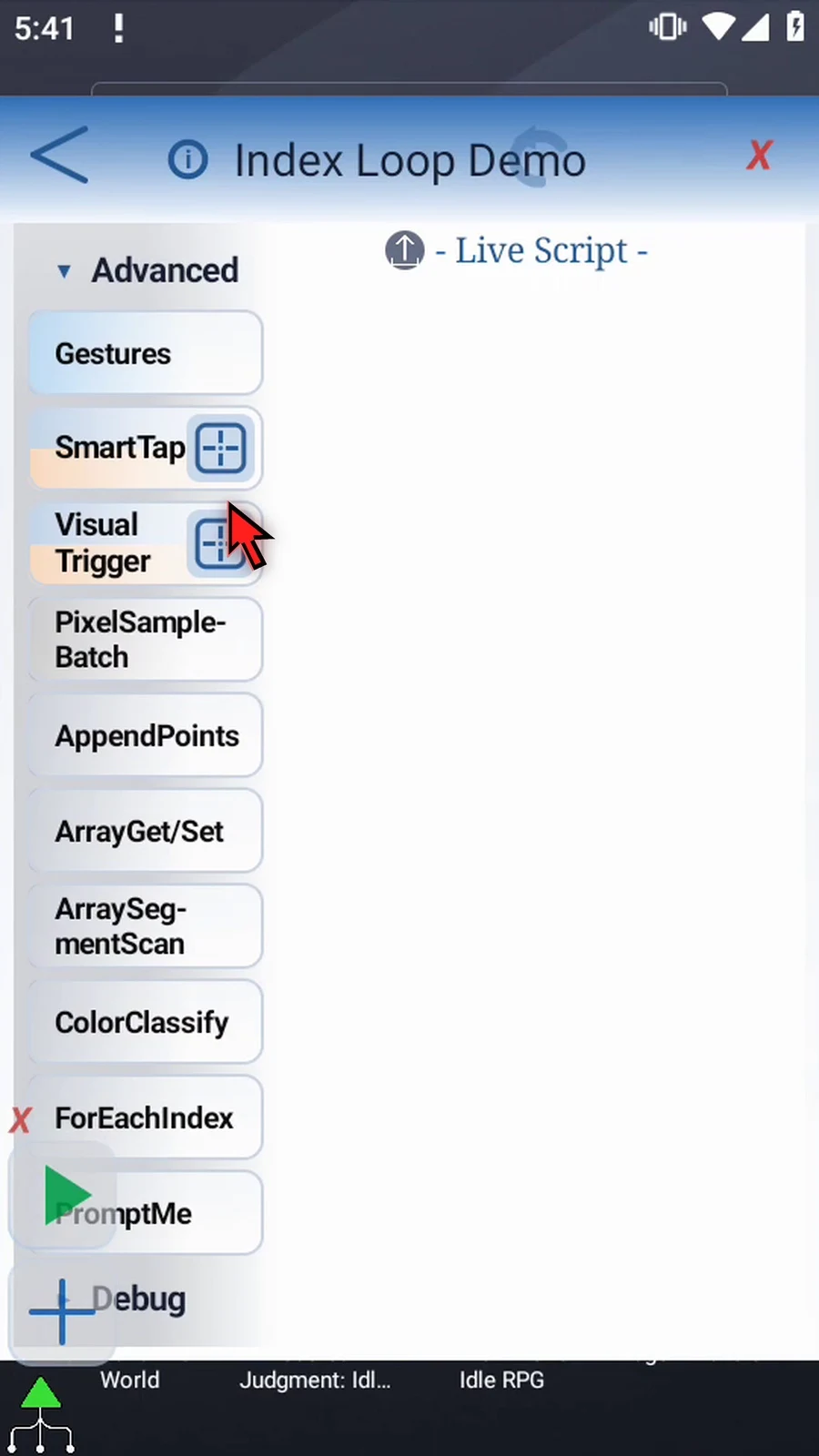
Step 05 Drag ForEachIndex into the script. ScriptTap also adds End ForEachIndex. Commands placed between these two rows form the repeated block.
Step 06 Double-tap the new row to configure it. Use In controls the variable's scope: this script only, or the current thread. We'll keep this script only.
Step 07 Set the Index Variable to i1. This is an Integer output, not a loop count. At the start of each pass, ScriptTap writes the current index into it.
Step 08 Set Start to one and End to three. The endpoint is included when the step reaches it, so this example will run at one, two and three.
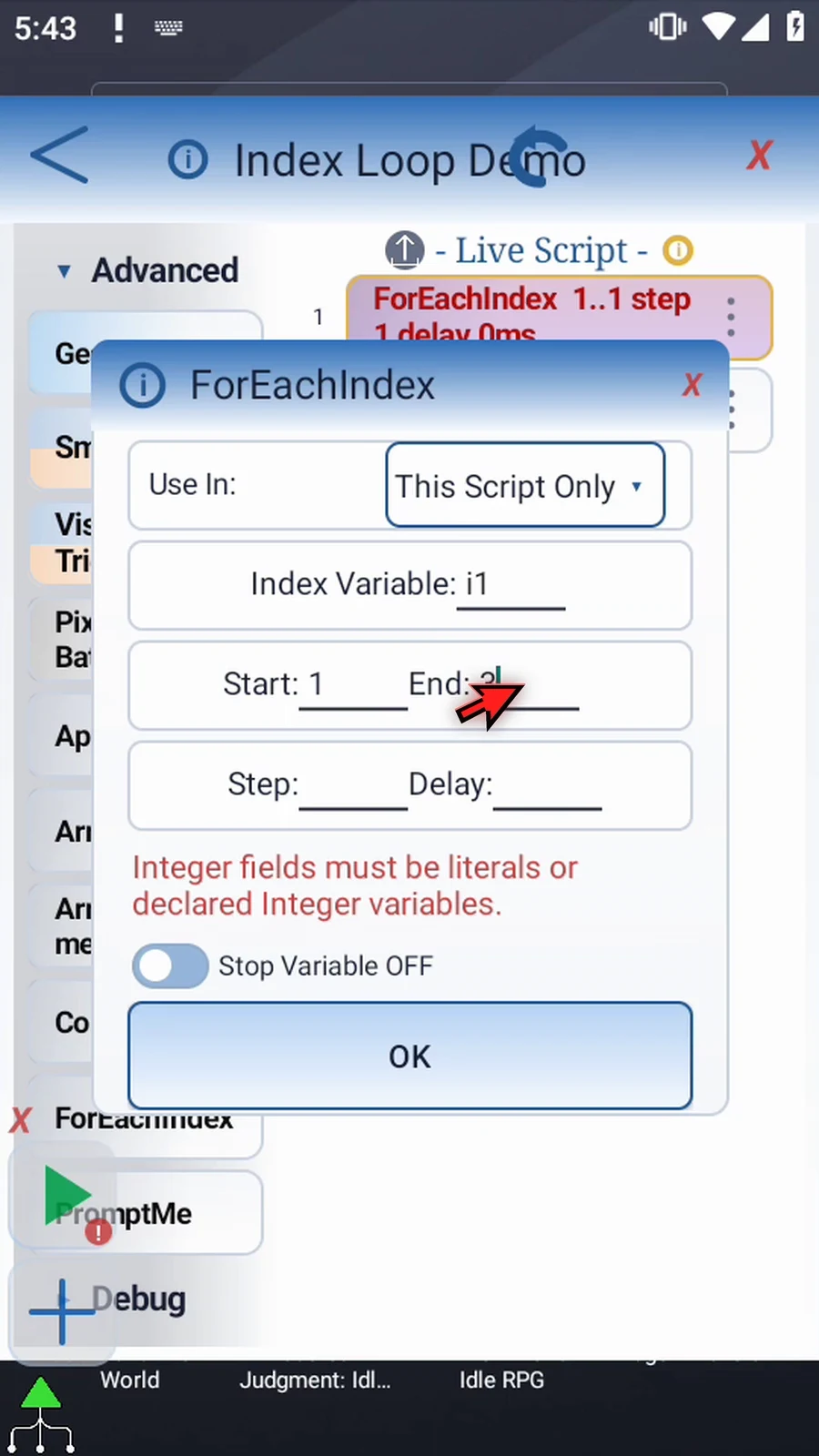
Step 09 Set Step to one. Larger positive steps skip forward; a negative step counts downward when Start is above End. A zero step is treated as one. Choose a direction that matches your range.
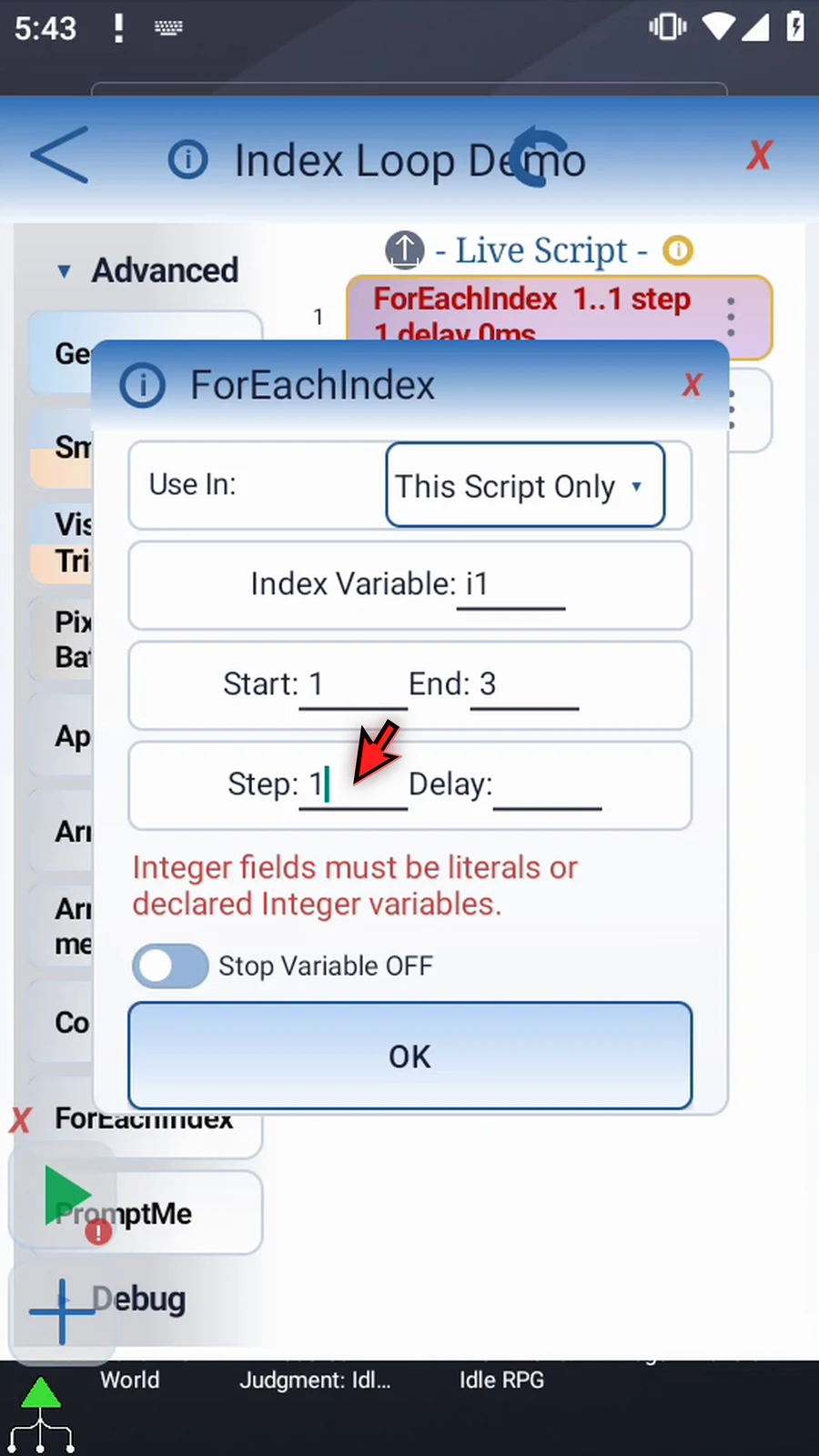
Step 10 Set Delay to five hundred milliseconds. This pauses at End ForEachIndex after a pass. Use zero when you don't need that extra pause.
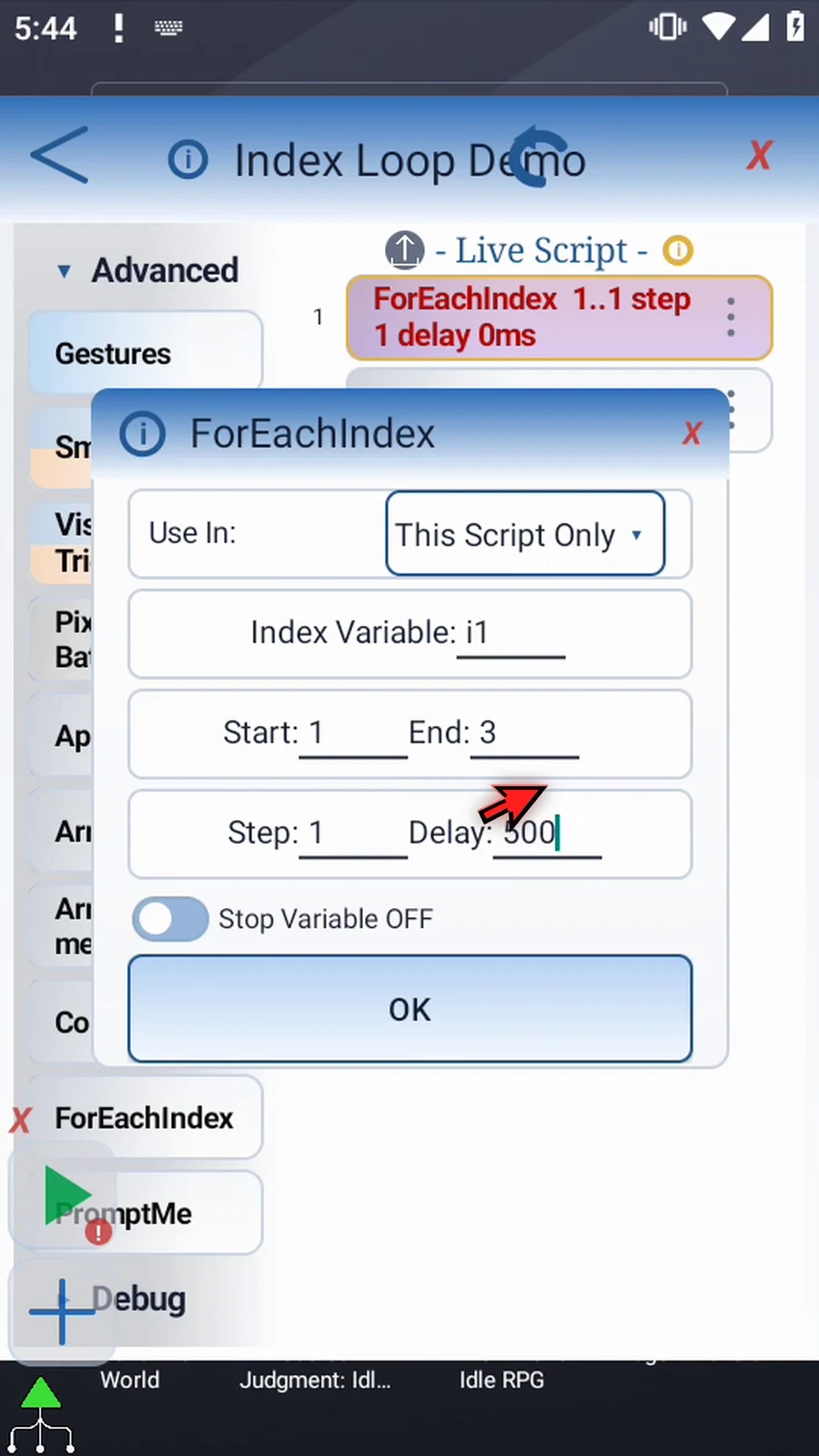
Step 11 Start, End and Step can also use Integer variables created earlier in the script. Their values are read when the loop begins. The delay is read again at each End, so it can change between passes.
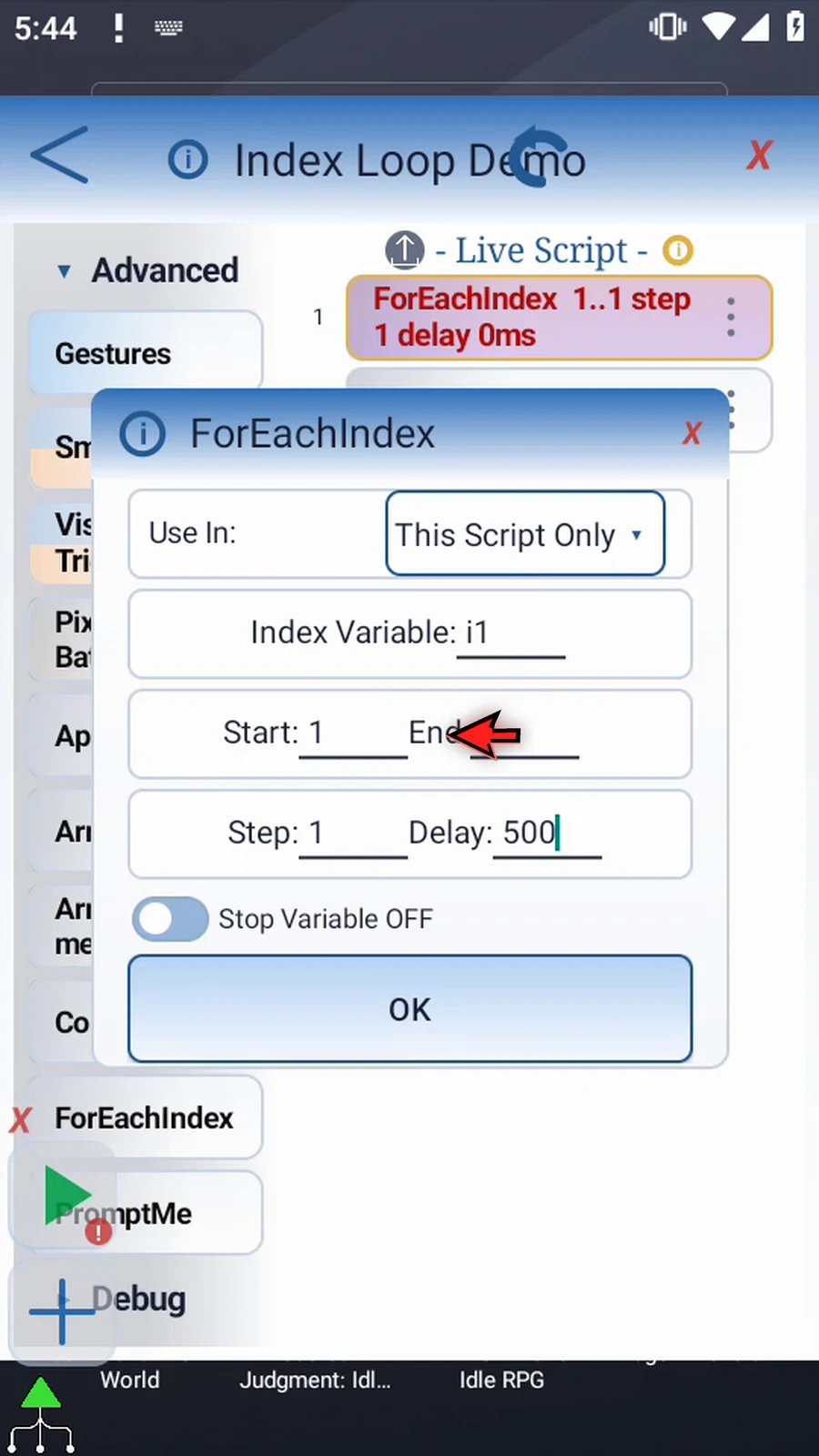
Step 12 Stop Variable is optional. Turn it on and enter an existing Boolean or numeric variable. At End ForEachIndex, true or a nonzero value ends the loop early; false or zero allows it to continue.
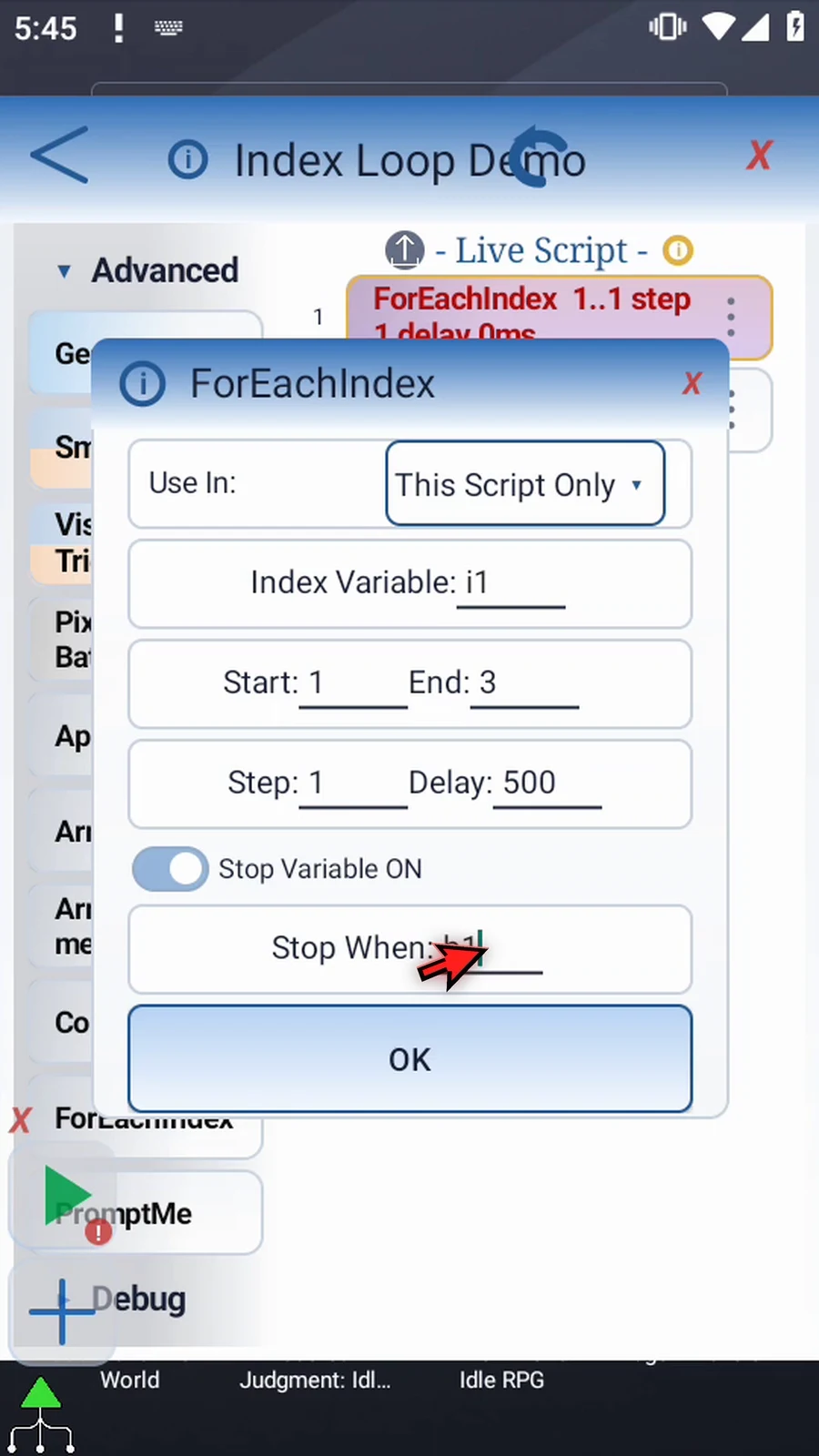
Step 13 We'll leave Stop Variable off for this demonstration. Turning it off and back on keeps the entered name. Save the range settings with OK.
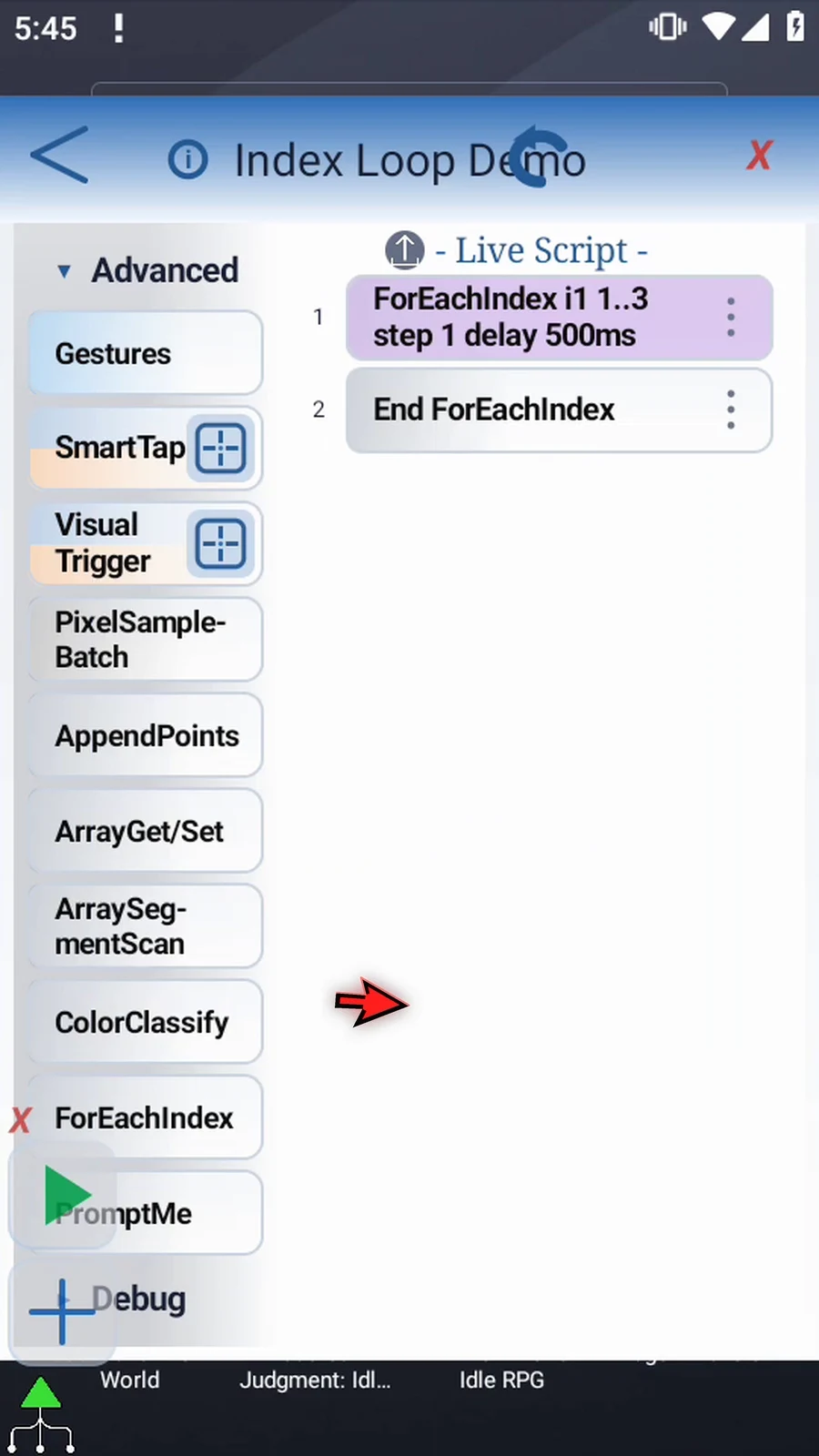
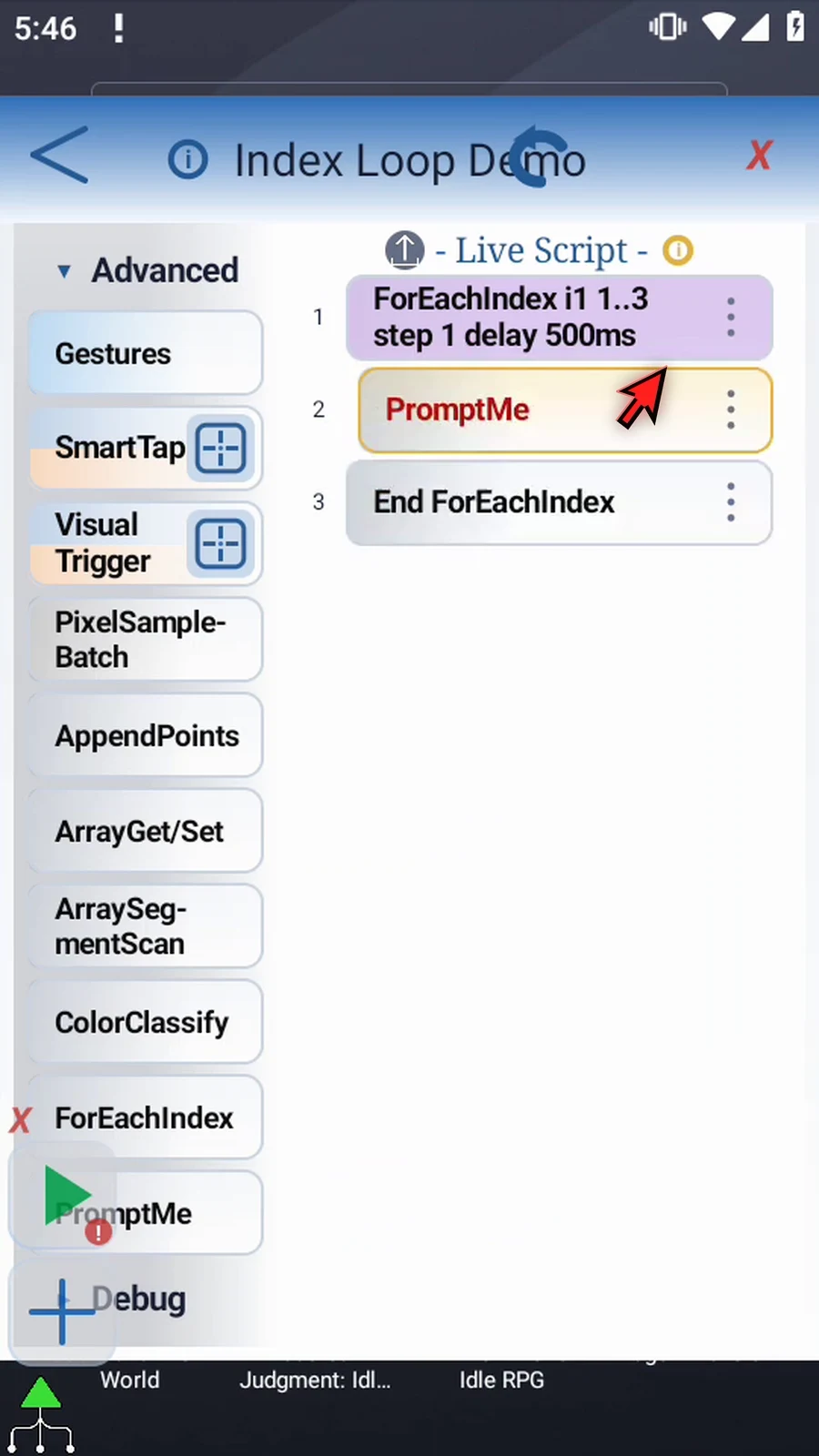
Step 14 We'll use PromptMe to make each pass visible. From the same Advanced group, drag it into the script, then move its row between ForEachIndex and End ForEachIndex.
Step 15 Open PromptMe, keep Standard mode, and use Pass as its header. This supporting command pauses the script so we can confirm each repetition.
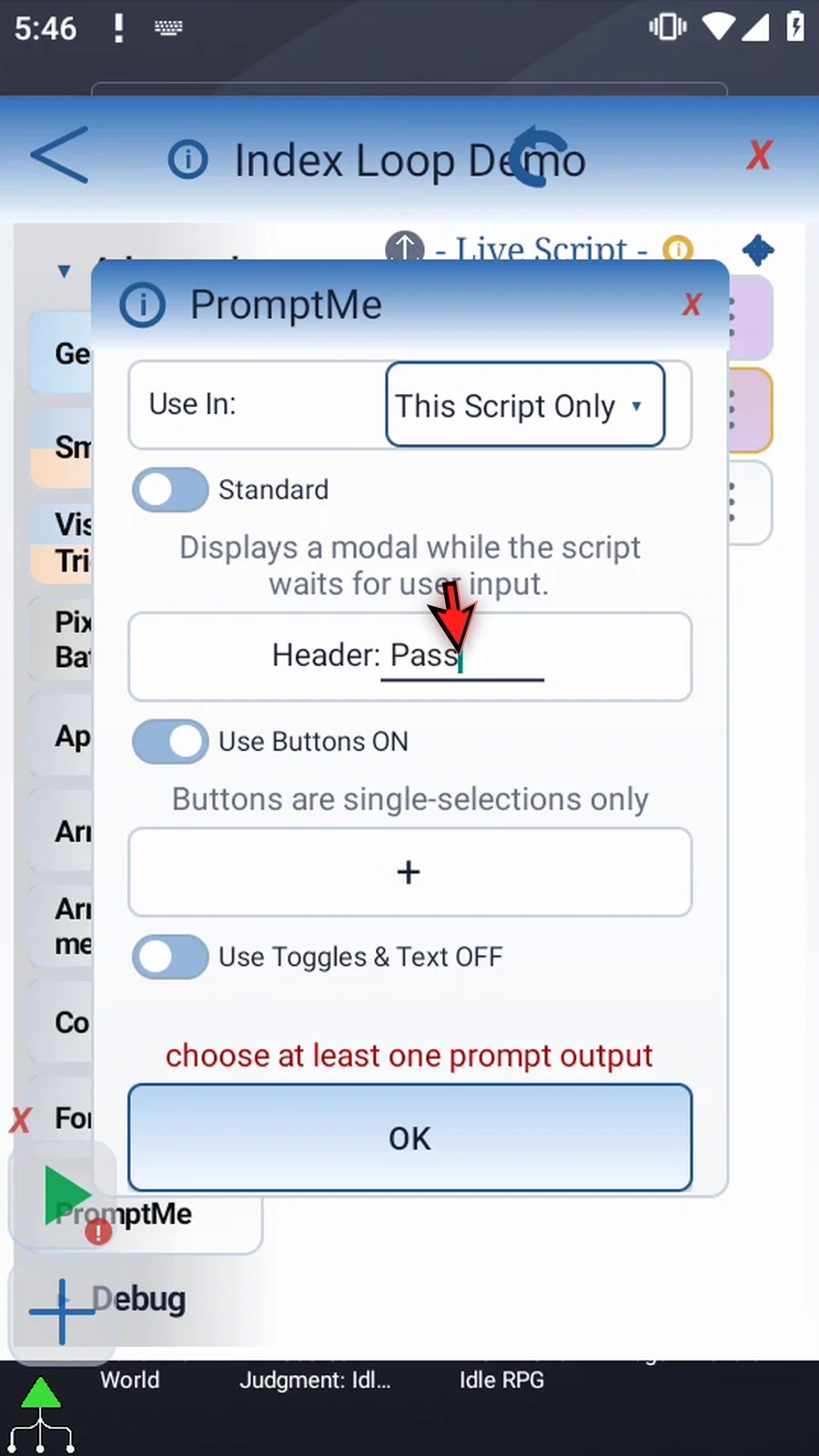
Step 16 Add one button, label it Next, and give it Boolean output b1. Pressing Next confirms the prompt and lets the loop continue. Save with OK.
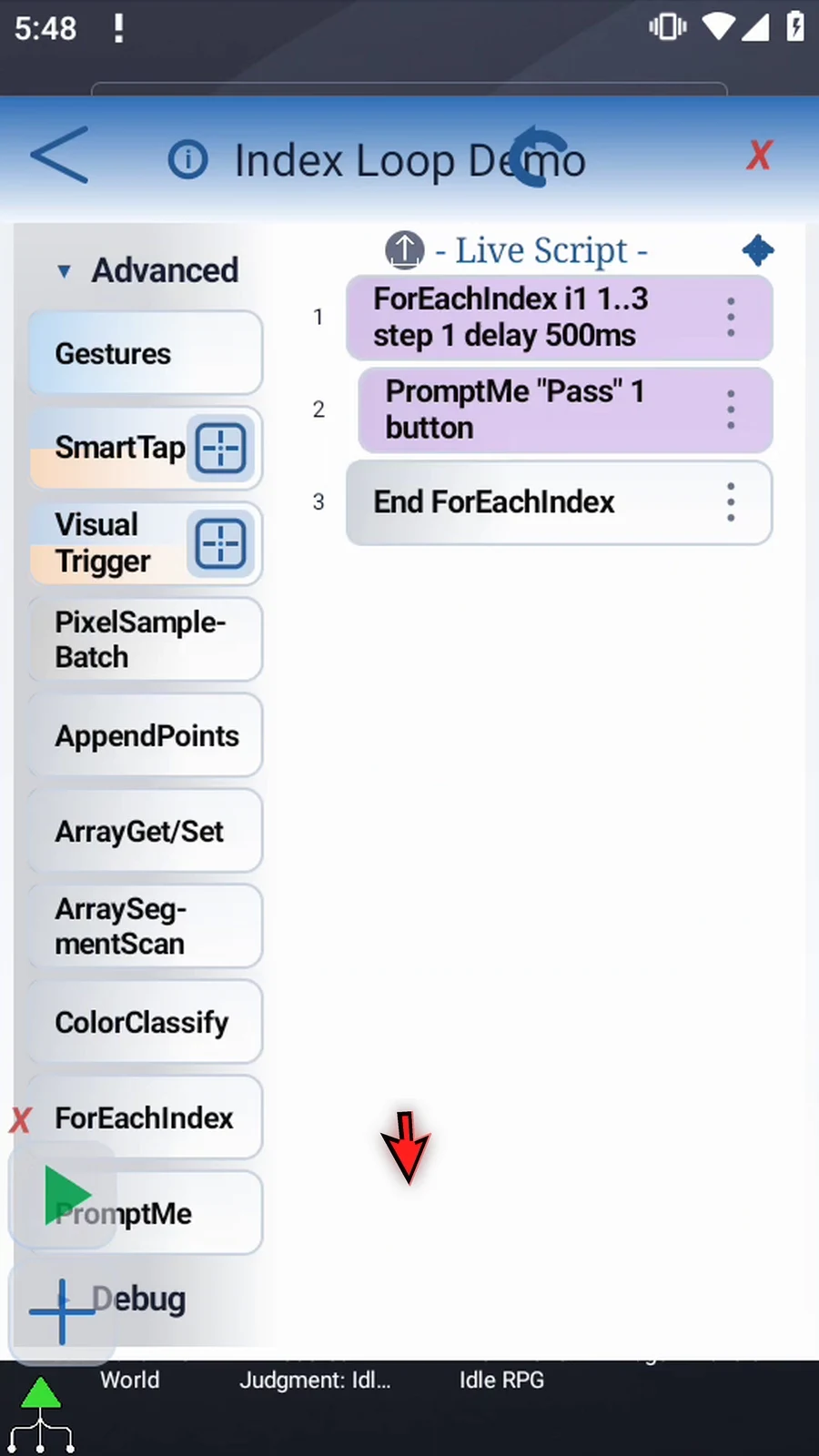
Step 17 The finished block contains just PromptMe. ForEachIndex supplies the changing index, and End ForEachIndex advances it. The prompt appears once for each of the three values.
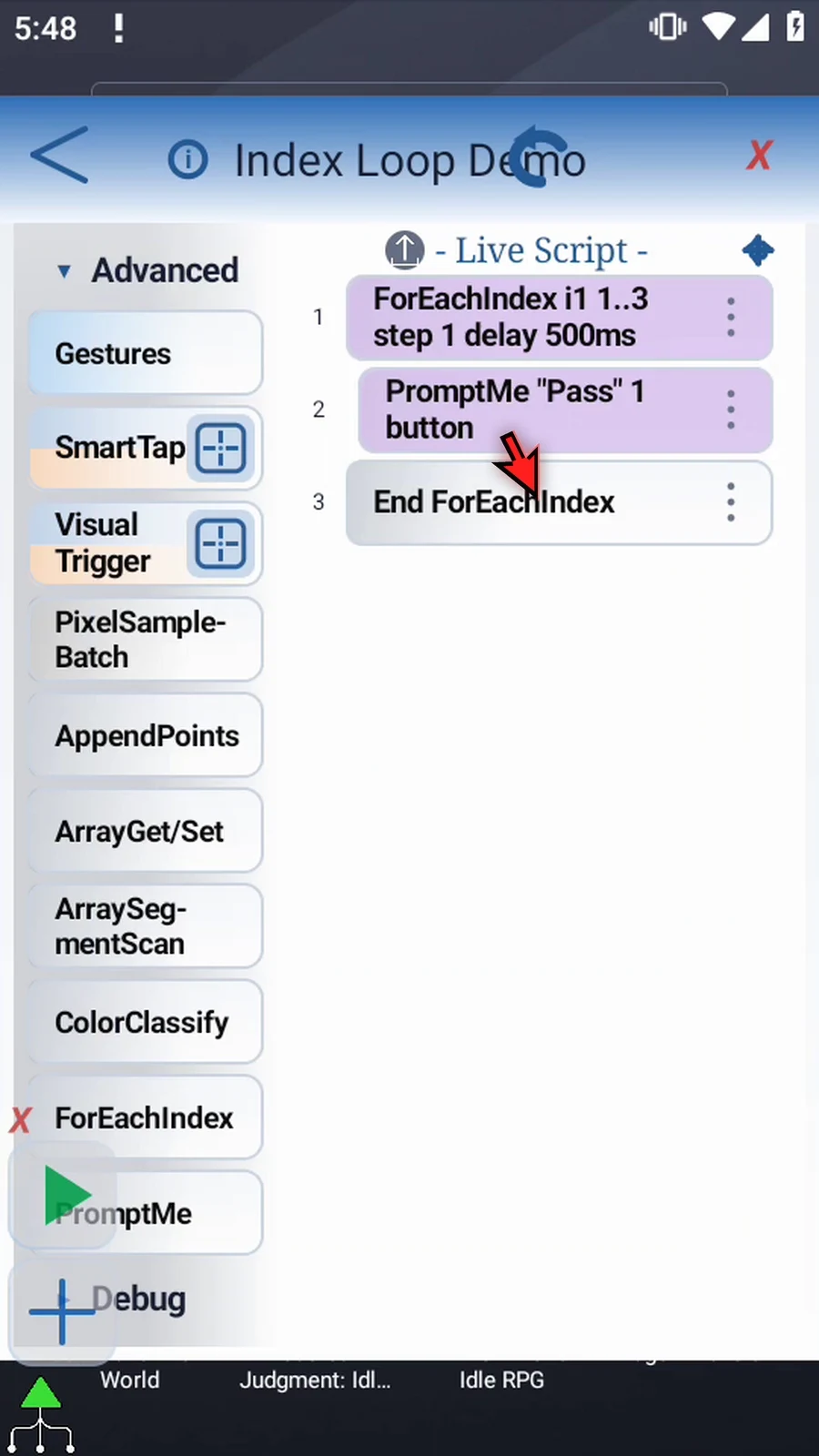
Step 18 If you use GoTo inside this block, a jump within it keeps the current index. Jumping out ends the loop. Entering from outside starts the first pass when execution reaches End ForEachIndex.
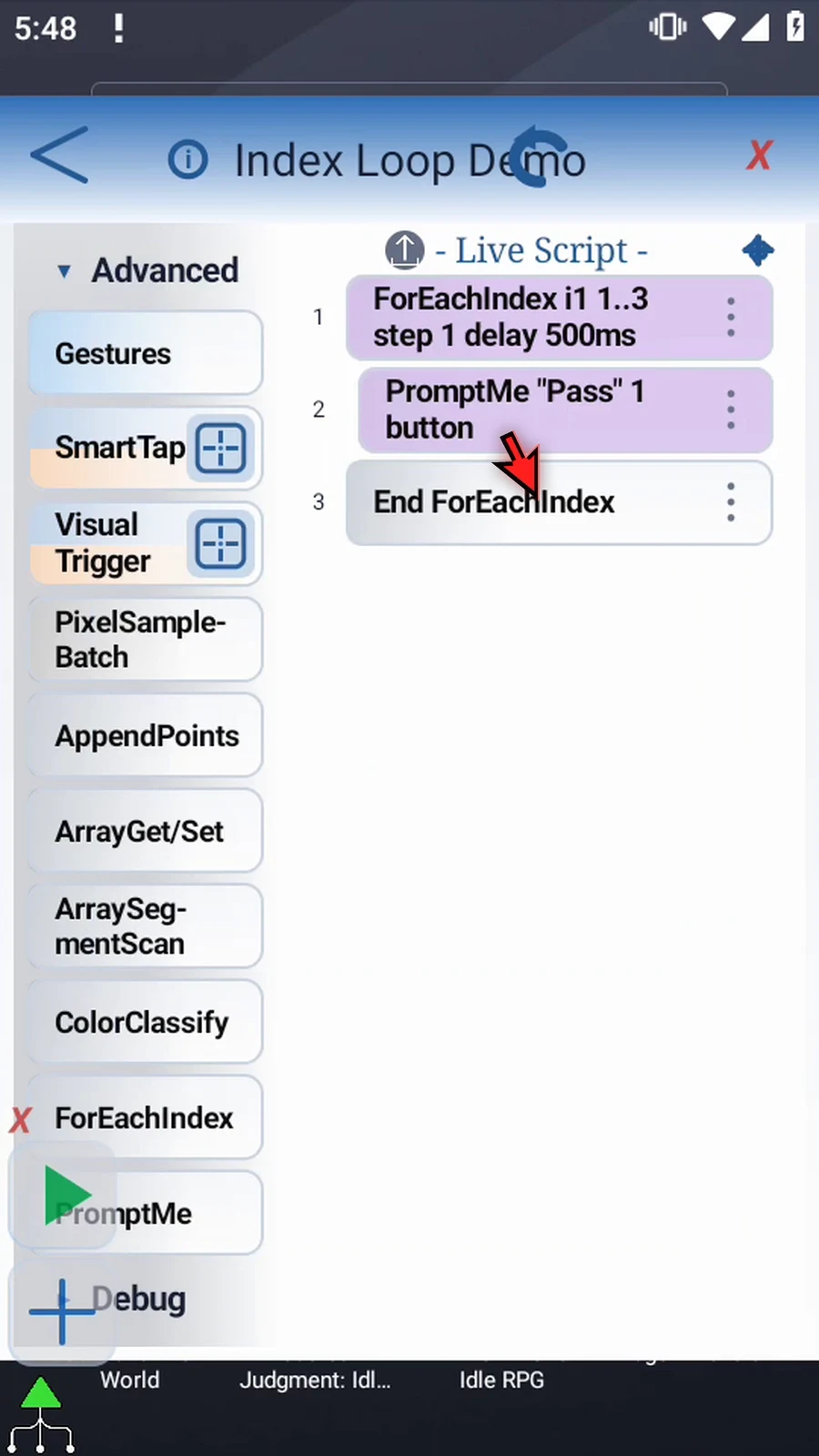
Step 19 Close the editor to return to the main overlay.
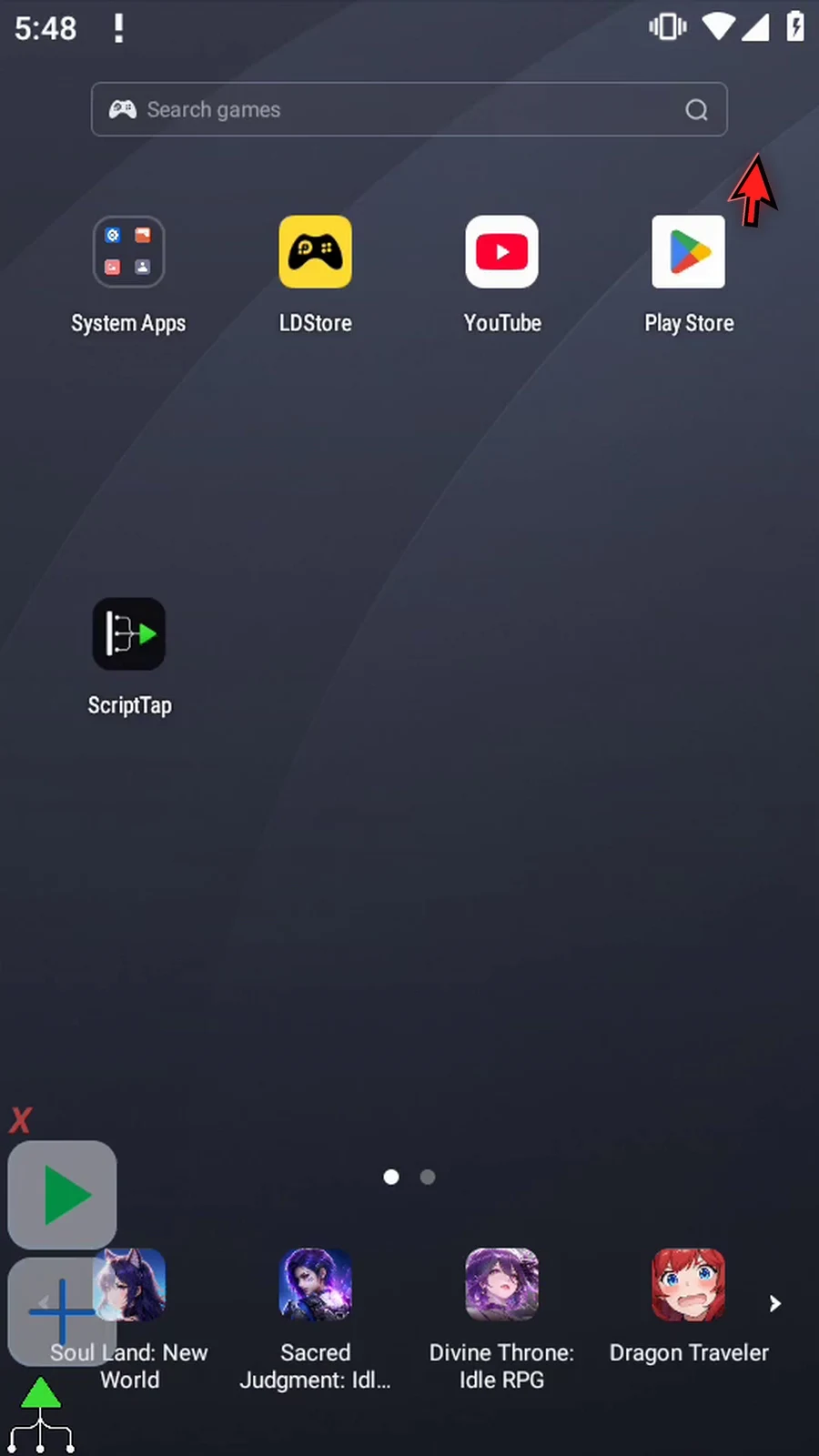
Step 20 When the script is complete, simply use the Play button in the main overlay.
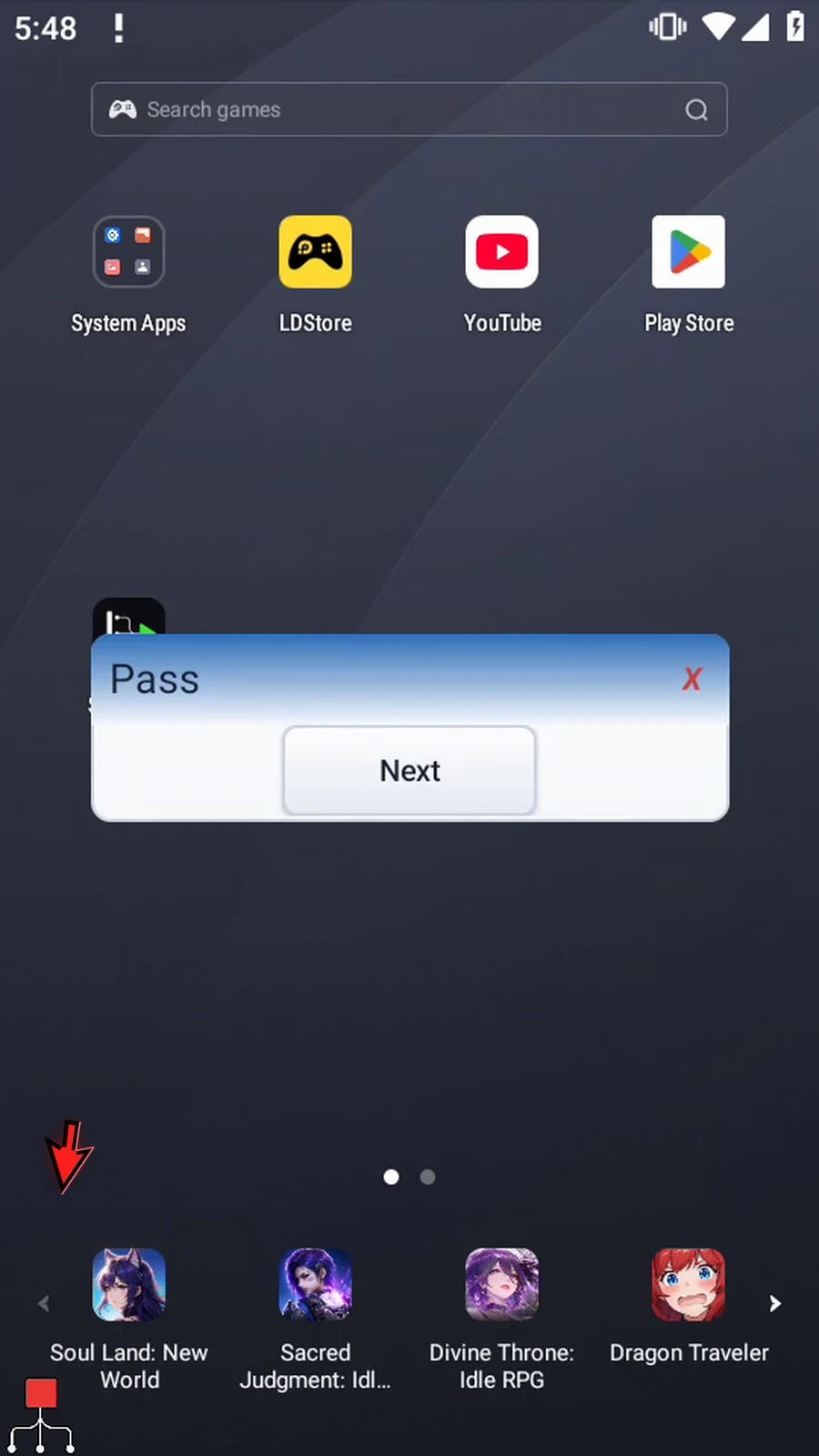
Step 21 This is the first pass. Press Next to continue to the second.
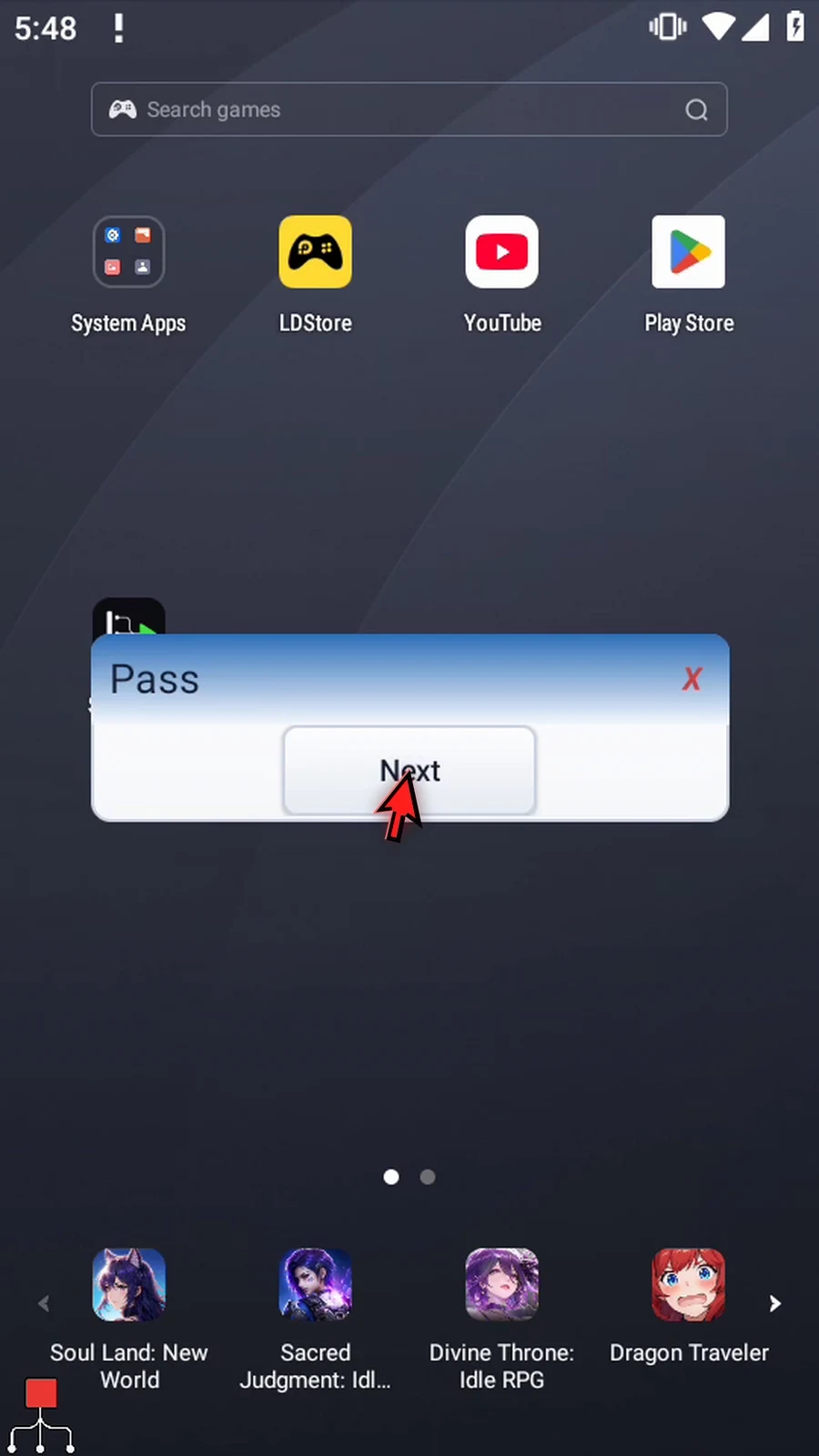
Step 22 Press Next again to continue to the third and final pass.
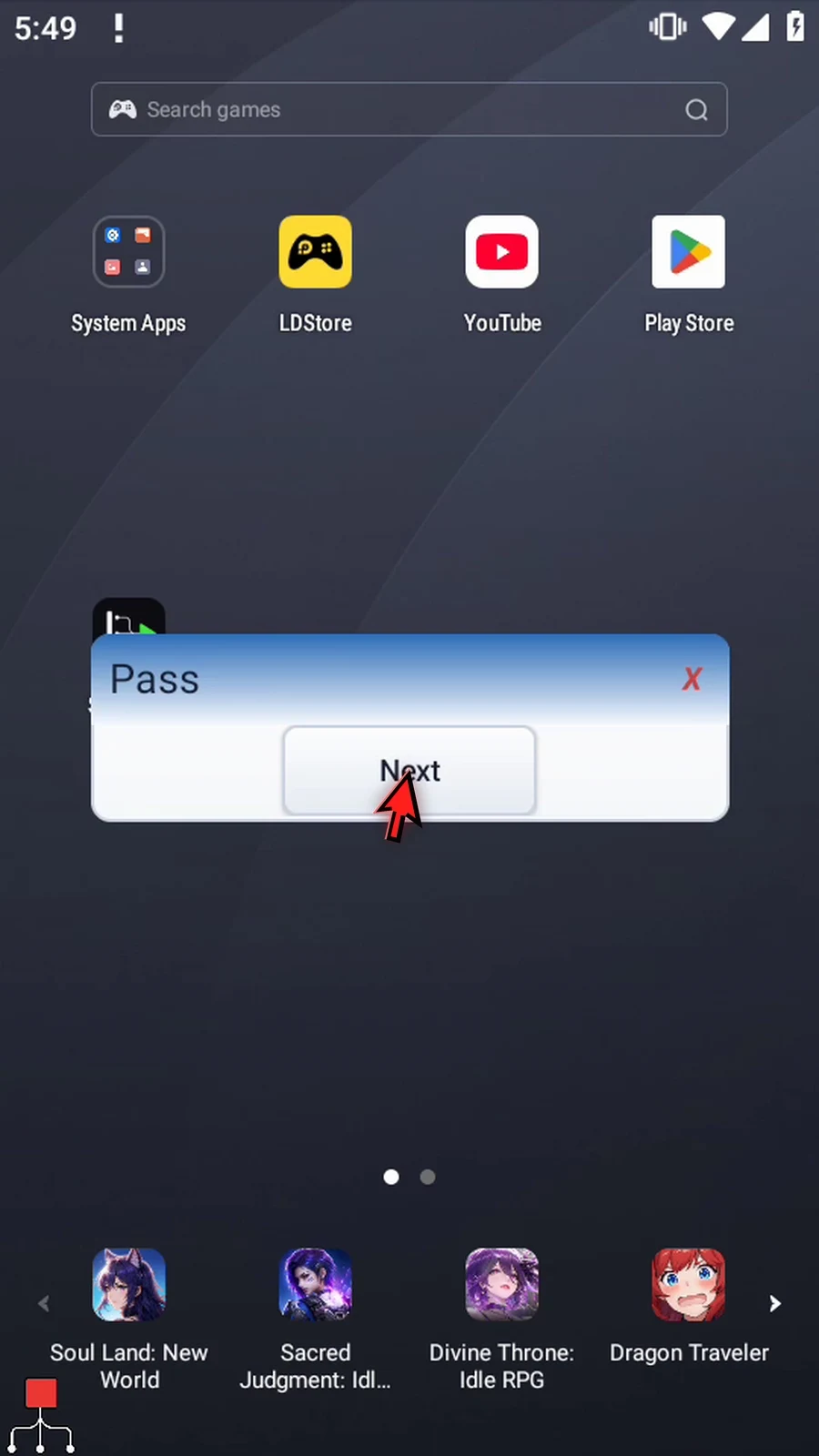
Step 23 Confirm the third prompt. The range is now complete, so the script finishes automatically.

Step 24 Use ForEachIndex when the same actions need a changing number on every repetition. Keep those actions inside the matching End, and use the index variable wherever that number is needed.