Command video guide
Break Call
Break Call returns early from a called script. Its remaining commands are skipped, and the parent continues at the command after Call.
This example uses two separate new scripts: Break Call Guide calls Break Call Helper, then displays Returned to parent. The helper first displays Child started; its final two steps would display This should be skipped. These supporting String and Standard PromptMe steps are prepared before recording. See the SetVariable and PromptMe guides for their construction.
Open the helper through the small pencil in its parent's Call row. Collapse the Main Overlay controls, expand Reference, and manually drag Break Call into the script, then move its placed row between the first PromptMe and the next SetVariable. This command has no settings dialog; placement controls when it takes effect.
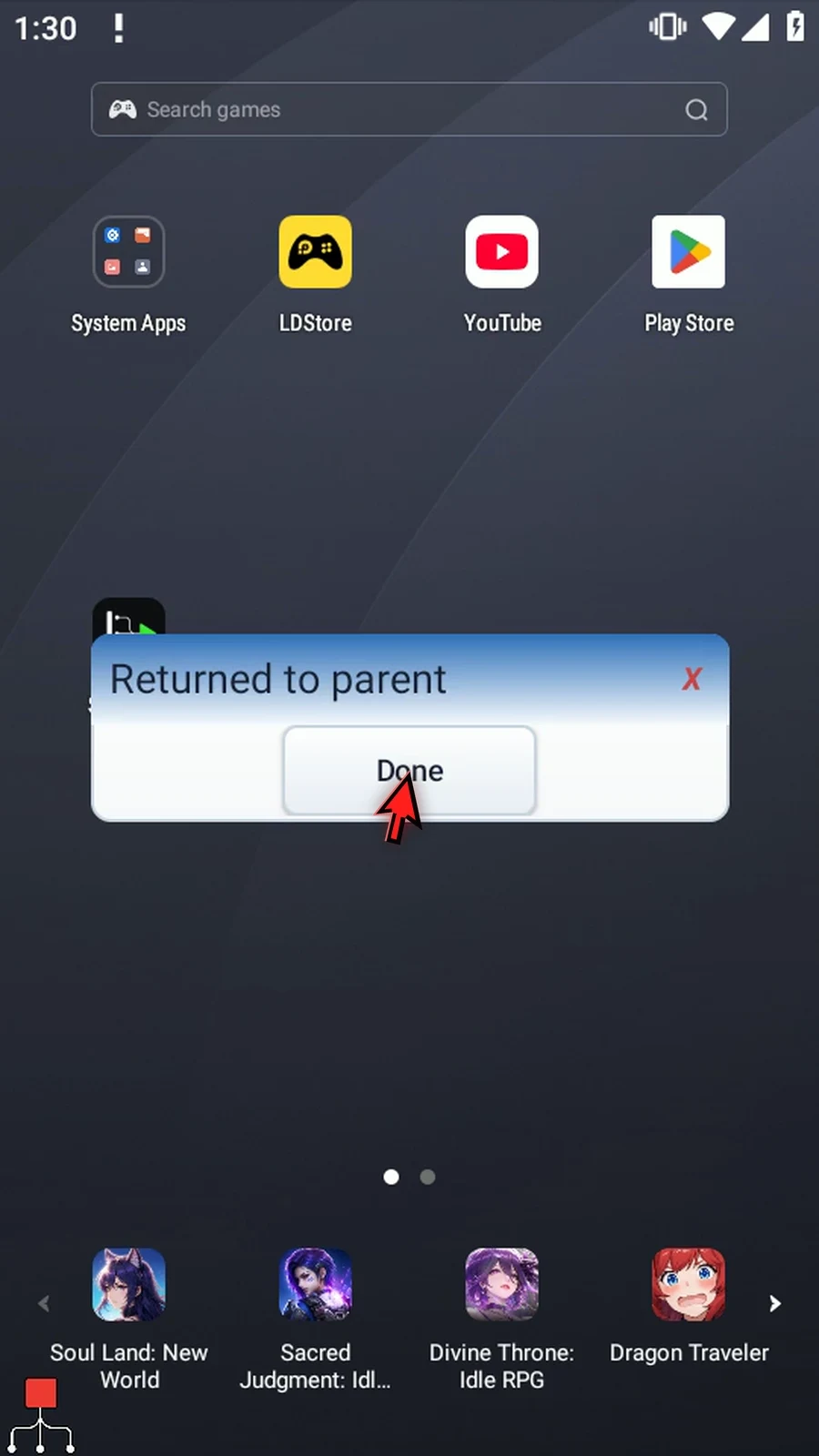
Return to the parent with the back arrow, close the editor, and press Play. Tap Continue in the helper's actual prompt. The parent then shows Returned to parent; the helper's final message never runs. Tap Done for natural completion.
Break Call exits the current call; it does not stop the parent. For cancellation initiated by another concurrent branch, use Stop Call.
Watch the Break Call guide
Step-by-step guide
Step 01 Break Call ends the called script at that point and returns control to the next command in its parent. Use it when a helper script has finished its job and should skip the rest of its commands.
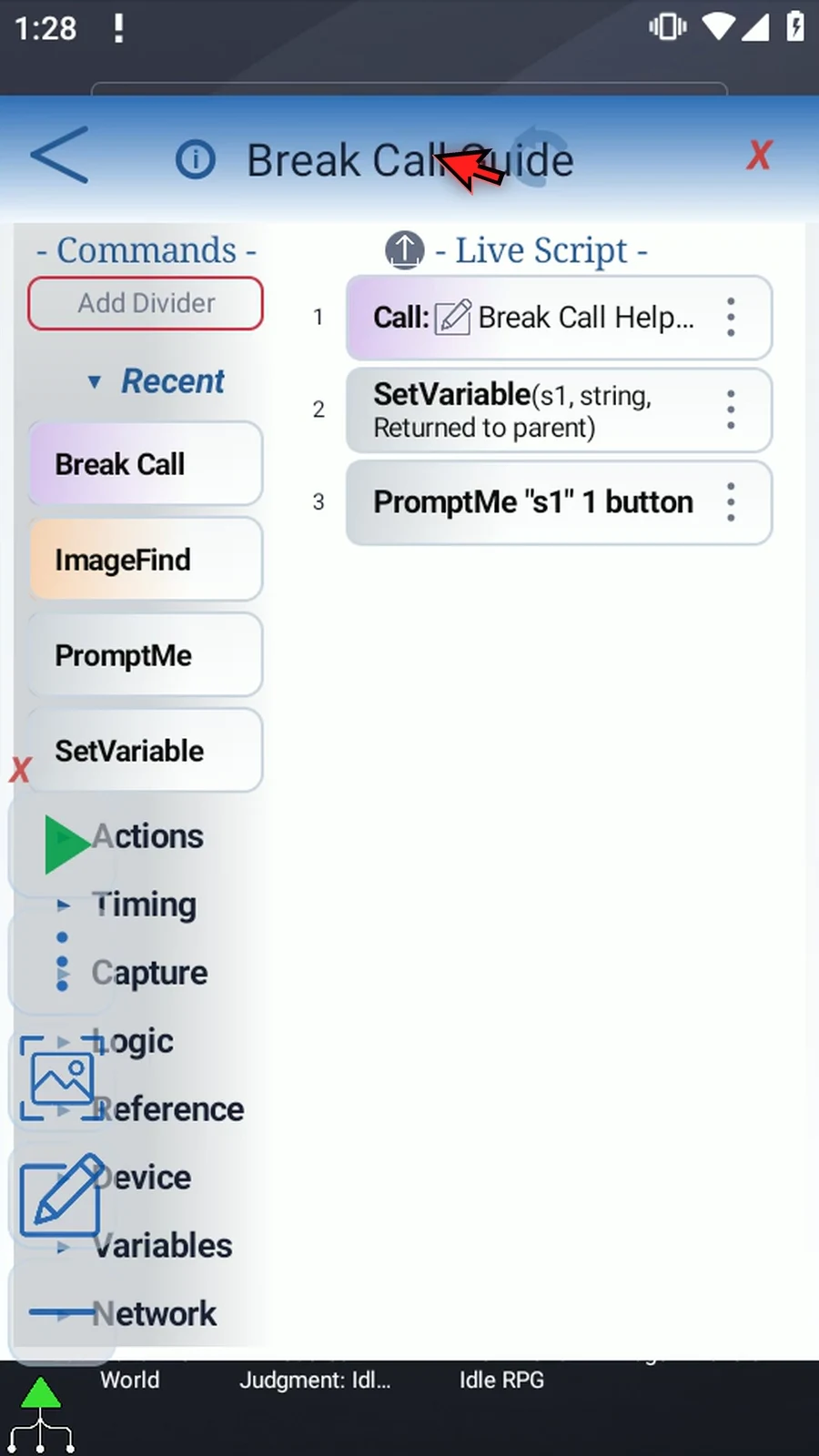
Step 02 This parent calls a separate helper, then uses a String and PromptMe to show Returned to parent. These supporting steps are already prepared. Open the helper with the small pencil beside its name.
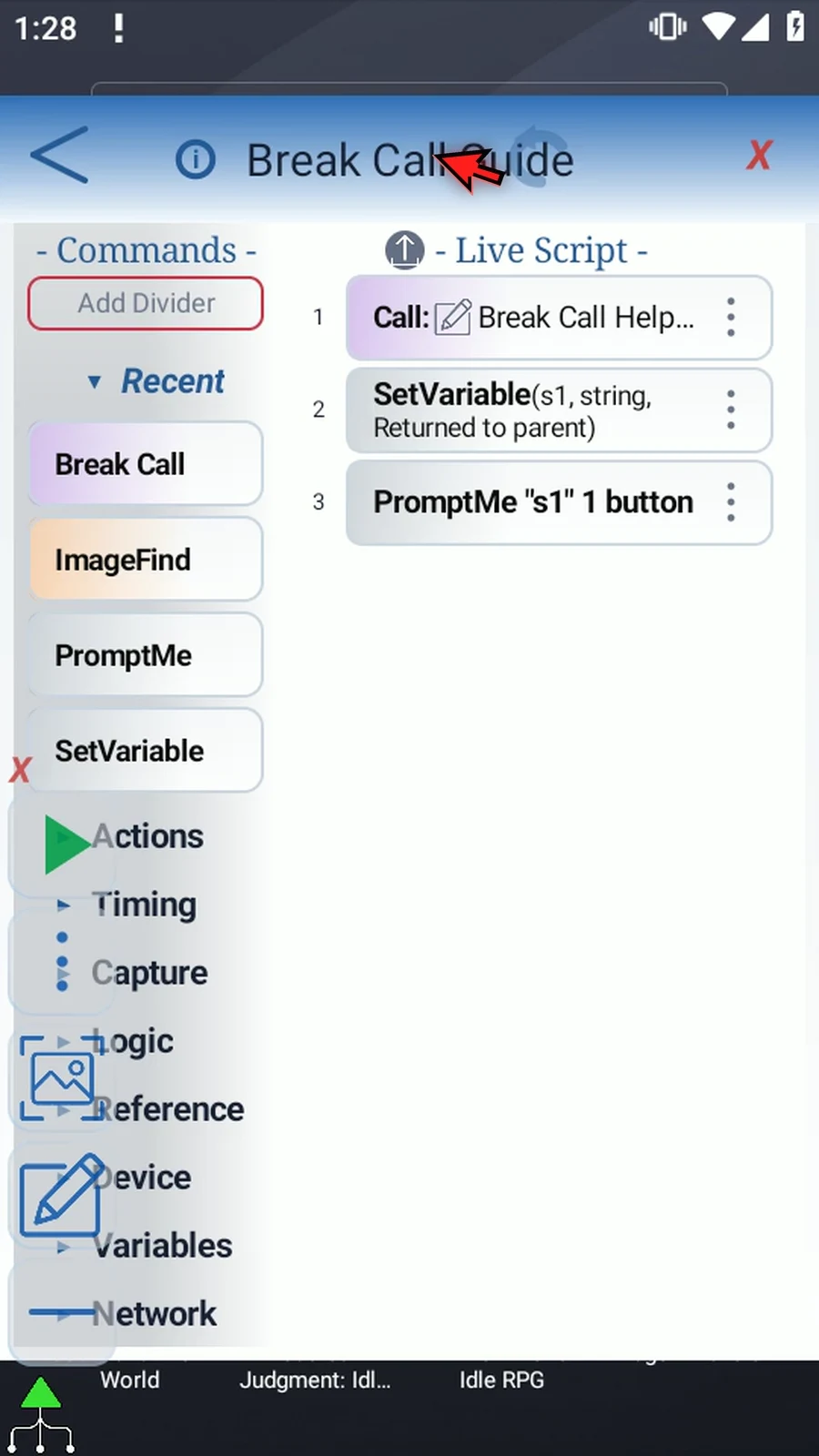
Step 03 The helper first displays Child started with a Continue button. Its last two commands would display This should be skipped. We'll insert Break Call before those last commands, so that second message will not run.
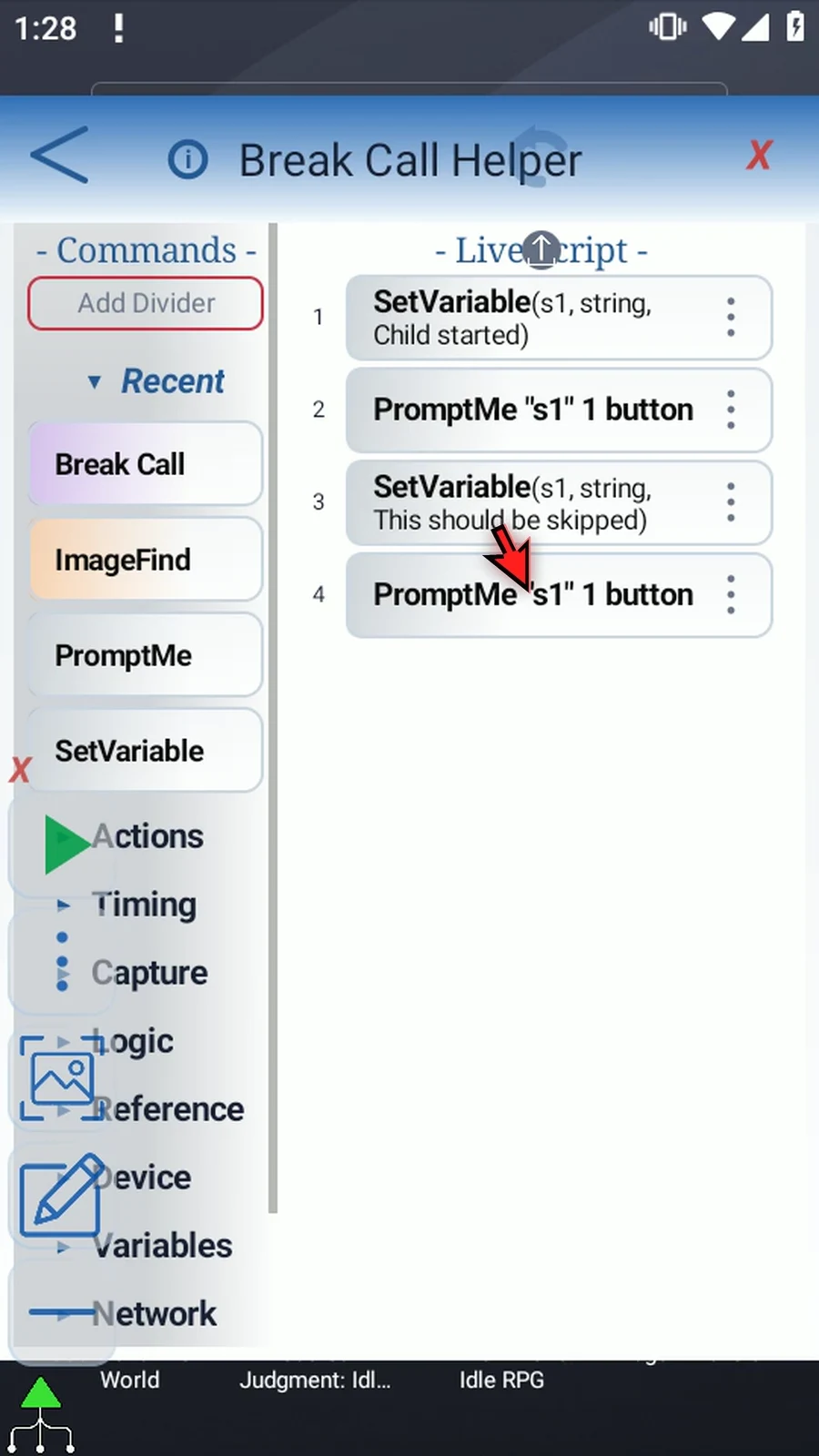
Step 04 Collapse the Main Overlay controls to clear the editor, then open Reference in the command palette.
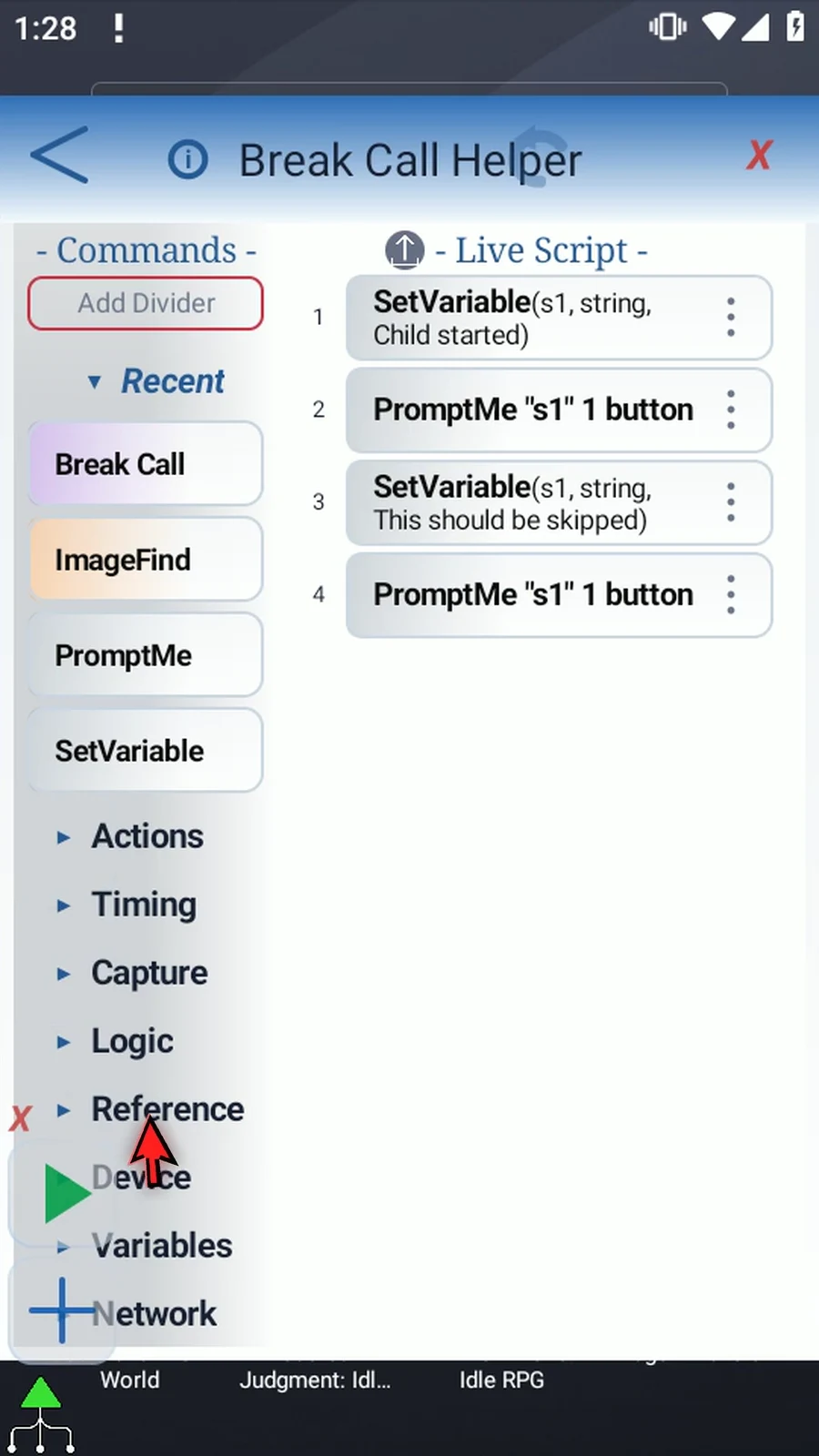
Step 05 Drag Break Call from the palette into the script. Then move its row between the first PromptMe and the next SetVariable. Watch the insertion line so the command lands in the correct place.
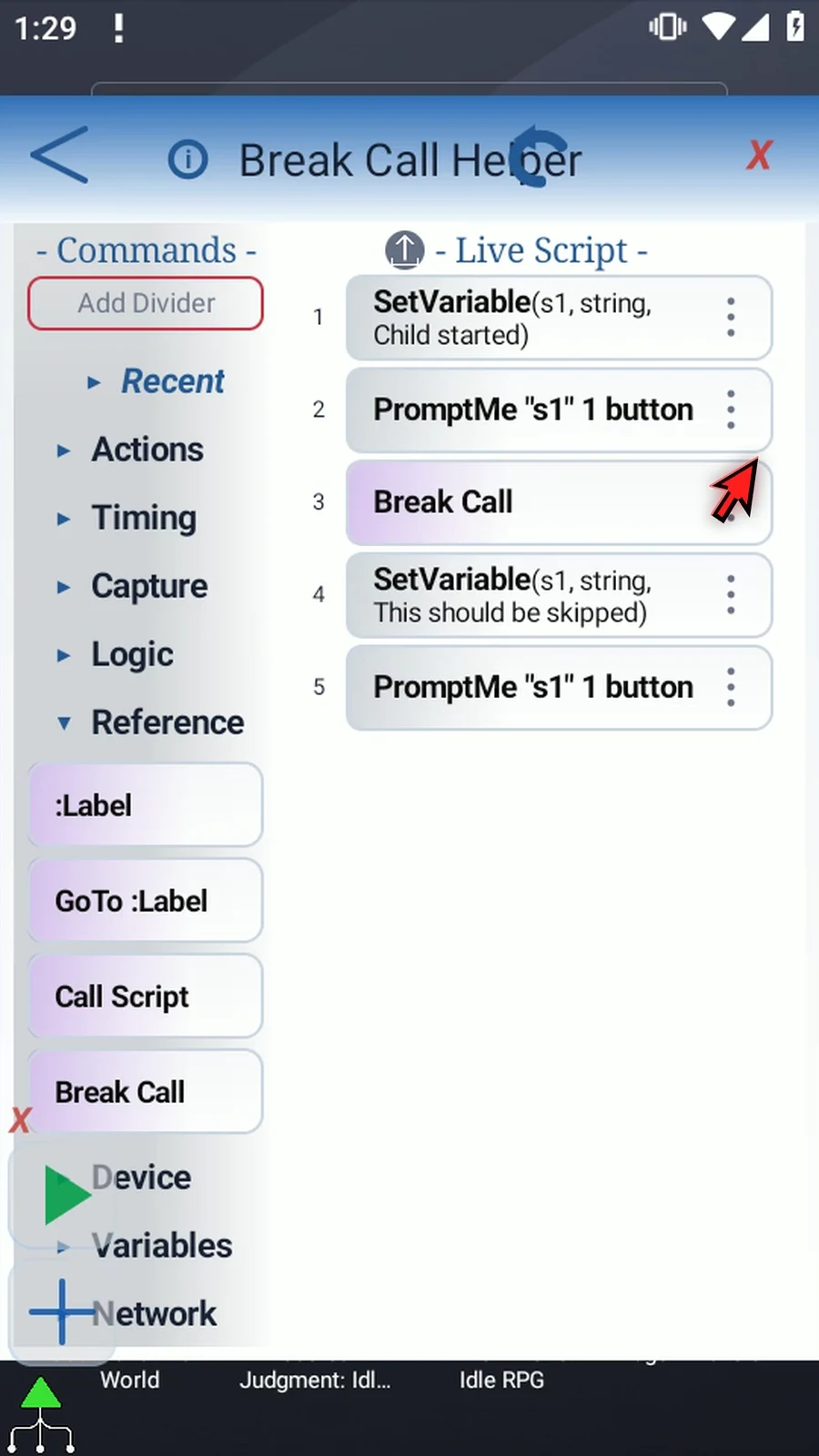
Step 06 Break Call has no settings dialog. Its position determines when the helper returns. Here, Continue lets the helper reach Break Call; the remaining String and PromptMe are skipped. The parent itself is not stopped.
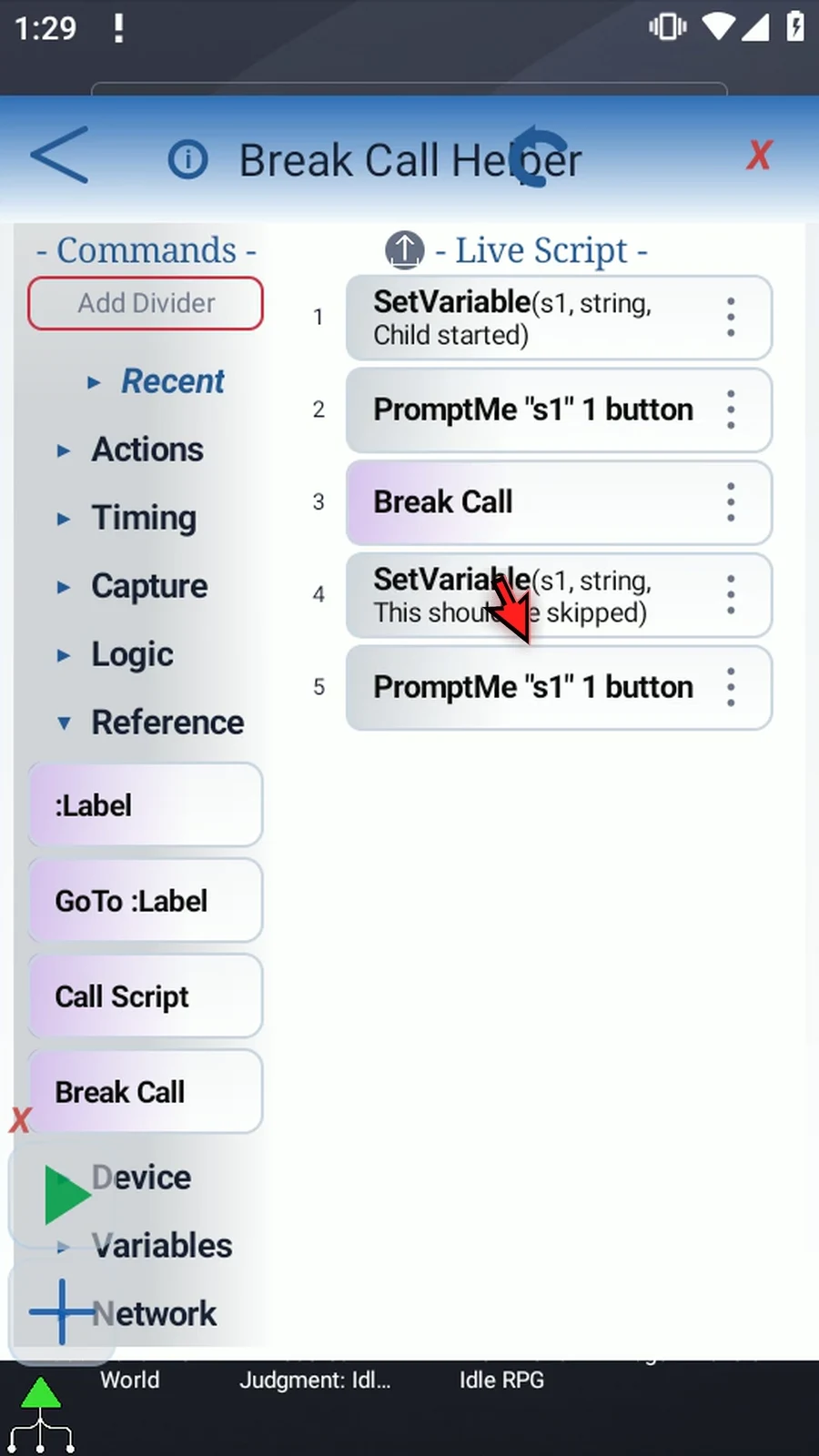
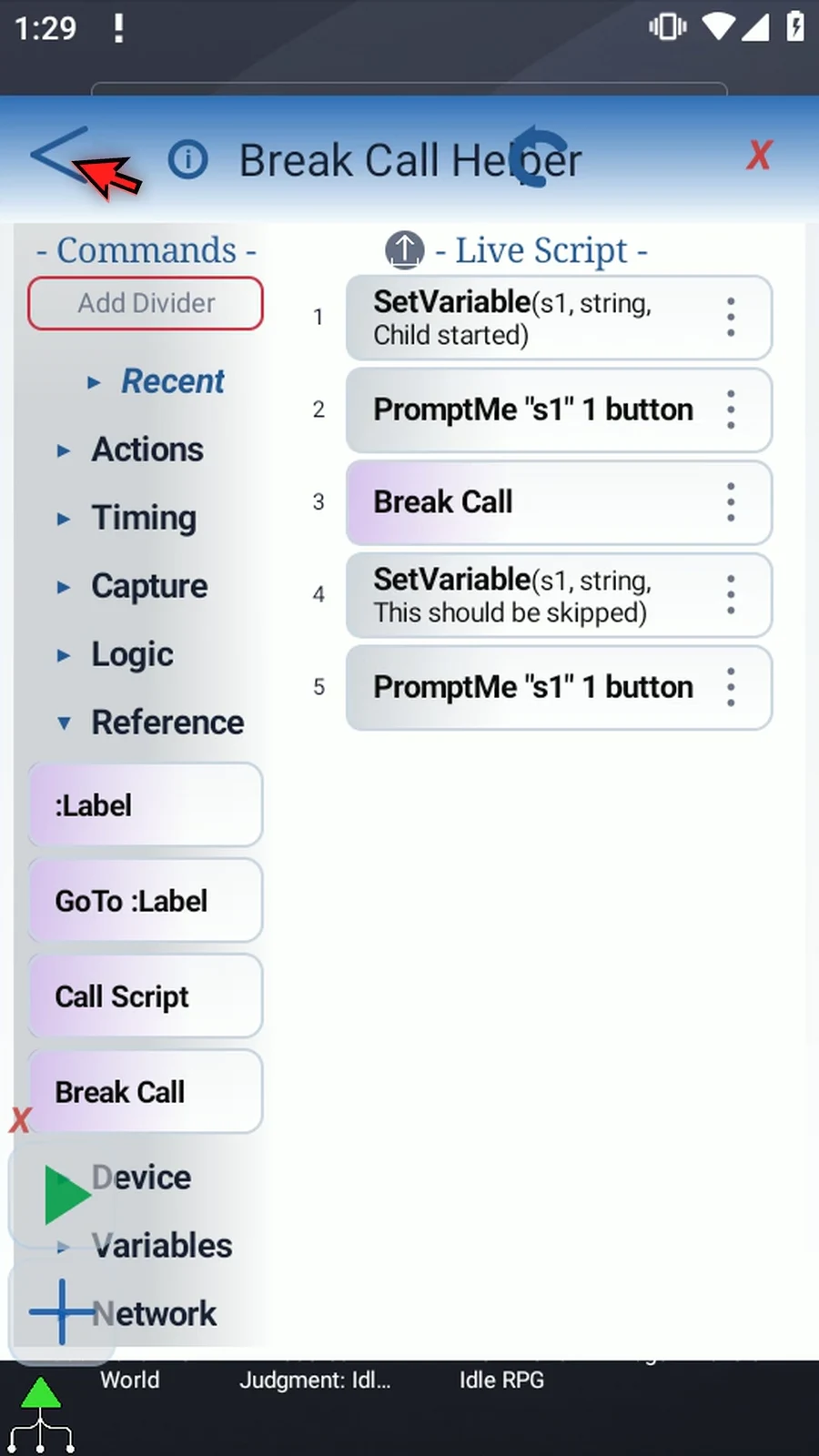
Step 07 Use the back arrow to return to the parent, then close its editor. The parent's confirmation comes after Call, so it will show that execution really returned.
Step 08 Press Play on the Main Overlay. The parent starts the helper, and its first PromptMe appears: Child started.
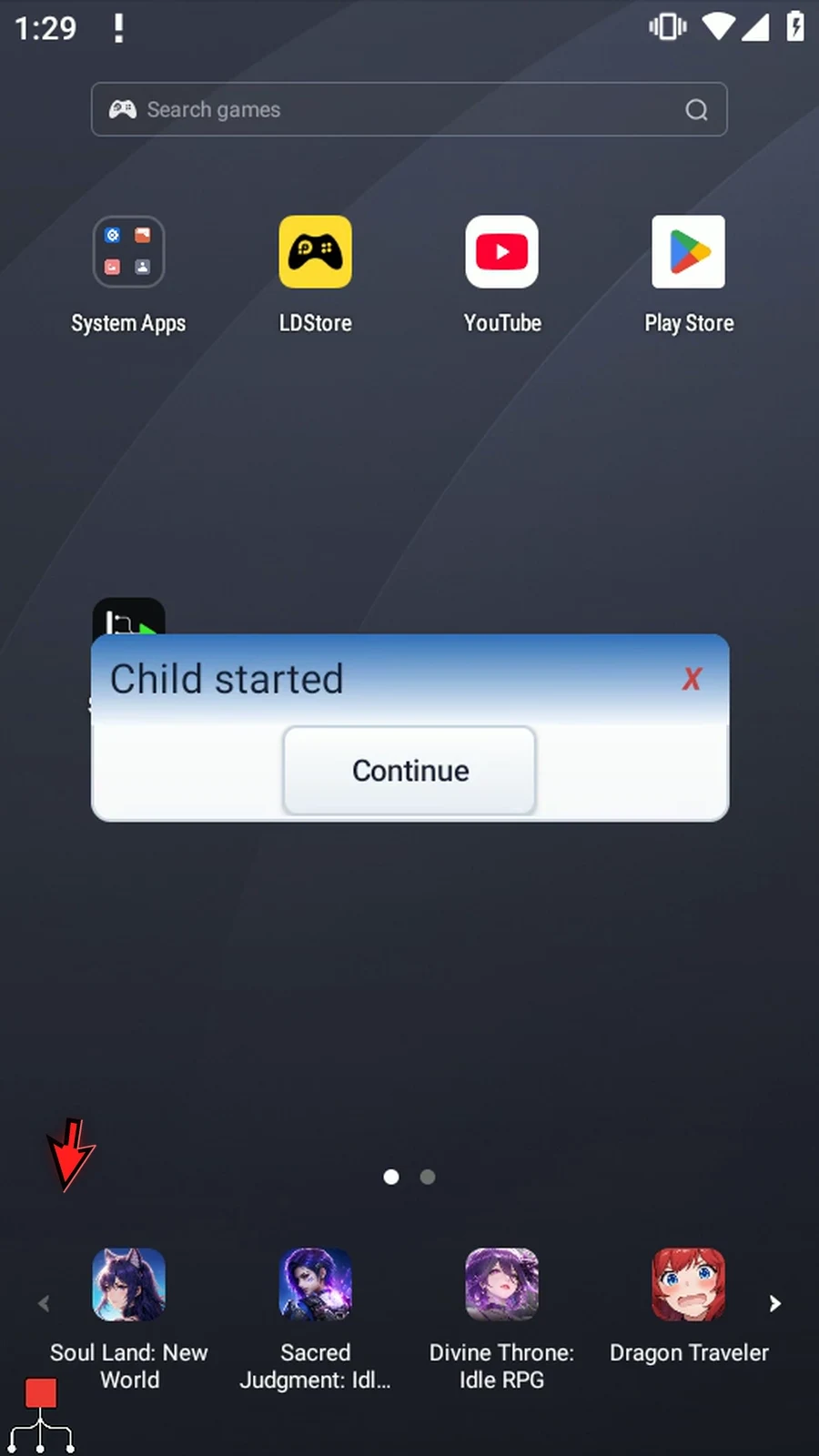
Step 09 This is the helper's real confirmation. Tap Continue. Break Call now ends this call before the helper reaches its final two commands.
Step 10 Returned to parent appears instead. The message This should be skipped never appeared, and the parent continued after Call. Tap Done to finish. The String and PromptMe guides explain how to build these supporting confirmations.
Step 11 Use Break Call inside a called helper when you want an early return. Use Stop Call when another running branch needs to cancel a called script.